
Key takeaways
- A contamination source is where dirt, leaks or spills start; wiping the dirt is a symptom fix, so step 2 hunts the source.
- Hard-to-access places are points that cannot be cleaned, inspected or lubricated without removing parts or taking risks.
- Countermeasure order: eliminate the source, contain it, collect it, then make cleaning easier.
- The step passes when sources and hard-to-access places are listed, the worst ones have countermeasures planned or done, and time to clean has fallen or a plan exists.
- In MaintWiz each source and hard-to-access place carries an owner, a target date and an overdue alert, and the Jishu Hozen dashboard shows which are still open.
Step 2
What is step 2 of autonomous maintenance?
In step 1 the operators cleaned the equipment and tagged what they found. Within a few shifts the dirt usually returns, because the thing that produced it is still there. Step 2 is the step in which the team stops treating the symptom. It has two lists, the sources of contamination (where dirt, dust, oil, product and water come from and where they spread) and the hard-to-access places (points that make cleaning, inspection or lubrication slow, unsafe or impossible). Each item gets a countermeasure, and the team measures whether the time to clean the equipment falls. In the JIPM seven-step sequence, step 2 is what makes the step 3 standard short enough to follow. MaintWiz logs each contamination source and hard-to-access place against the equipment with an owner and a target date, so every open source has an owner and a date.
The step is where autonomous maintenance meets focused improvement: a source that operators cannot fix themselves becomes a project for the Kobetsu Kaizen team, and a design weakness that appears on several machines becomes a lesson for early equipment management.
Step 2: the order of countermeasures
Hasseigen konnan-kasho taisaku: stop dirt at its source before making cleaning easier
Eliminate the source
Contain it
Collect it
Make cleaning easier
Then measure the time to clean and inspect: the step passes when it has fallen or a plan exists
 maintwiz.comAI CMMS built for TPM
 WhatsApp us
 +91 93459 29168
 Book a demo
How do you find contamination sources?
- Use the step 1 tags and photographs: list every build-up, leak and spill with its location.
- Trace each back along the path of the dirt: where does it start, where does it spread, what moves it (air, vibration, gravity, people)?
- Mark sources on a sketch of the equipment with arrows for the path.
- Record how much and how often in simple terms, such as litres collected per shift or minutes of cleaning, from a short measurement the team makes.
- Ask operators which spot they clean first and most often: that is usually the worst source.
Contamination can be the product itself, lubricant, coolant, dust, water, wear debris or material from outside the machine.
See sources of contamination and hard-to-access records by status in the Jishu Hozen dashboard. Book a demo.
Downloads
Step 2 templates: CIL standards, step audit and CIL map
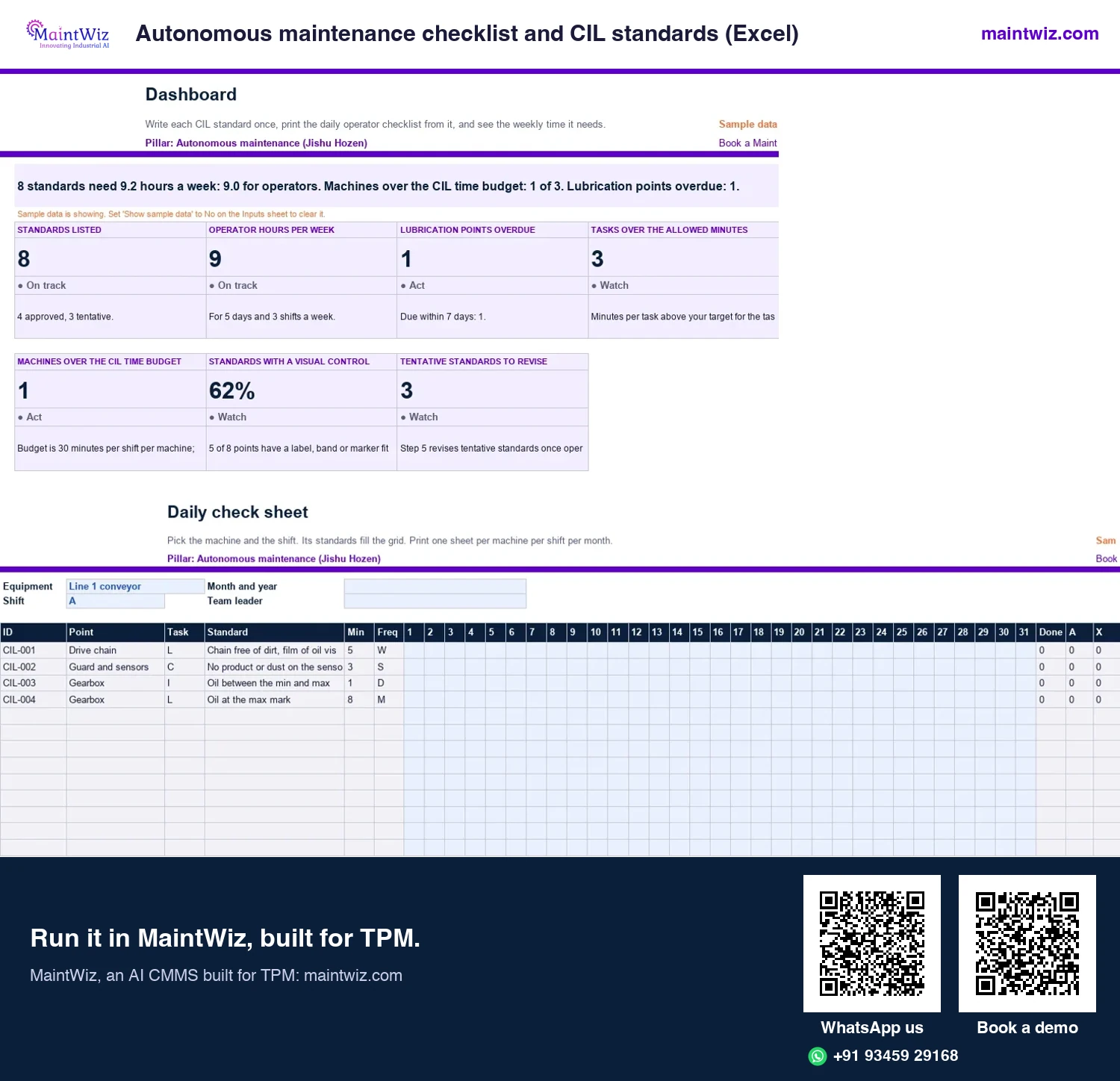
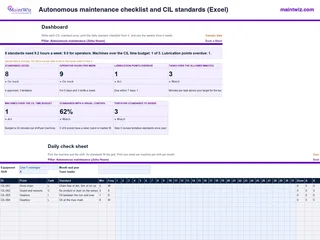 ExcelAutonomous maintenance checklist and CIL standards (Excel)
Write each cleaning, inspection and lubrication standard once, print the daily operator checklist for any machine
- Sheets
- Dashboard, Inputs, Frequencies, Lubricants, Machines, Standards, Daily check sheet, Lube schedule, Lube route, Read me
- A4
- Version
- v1.0, 2 November 2026
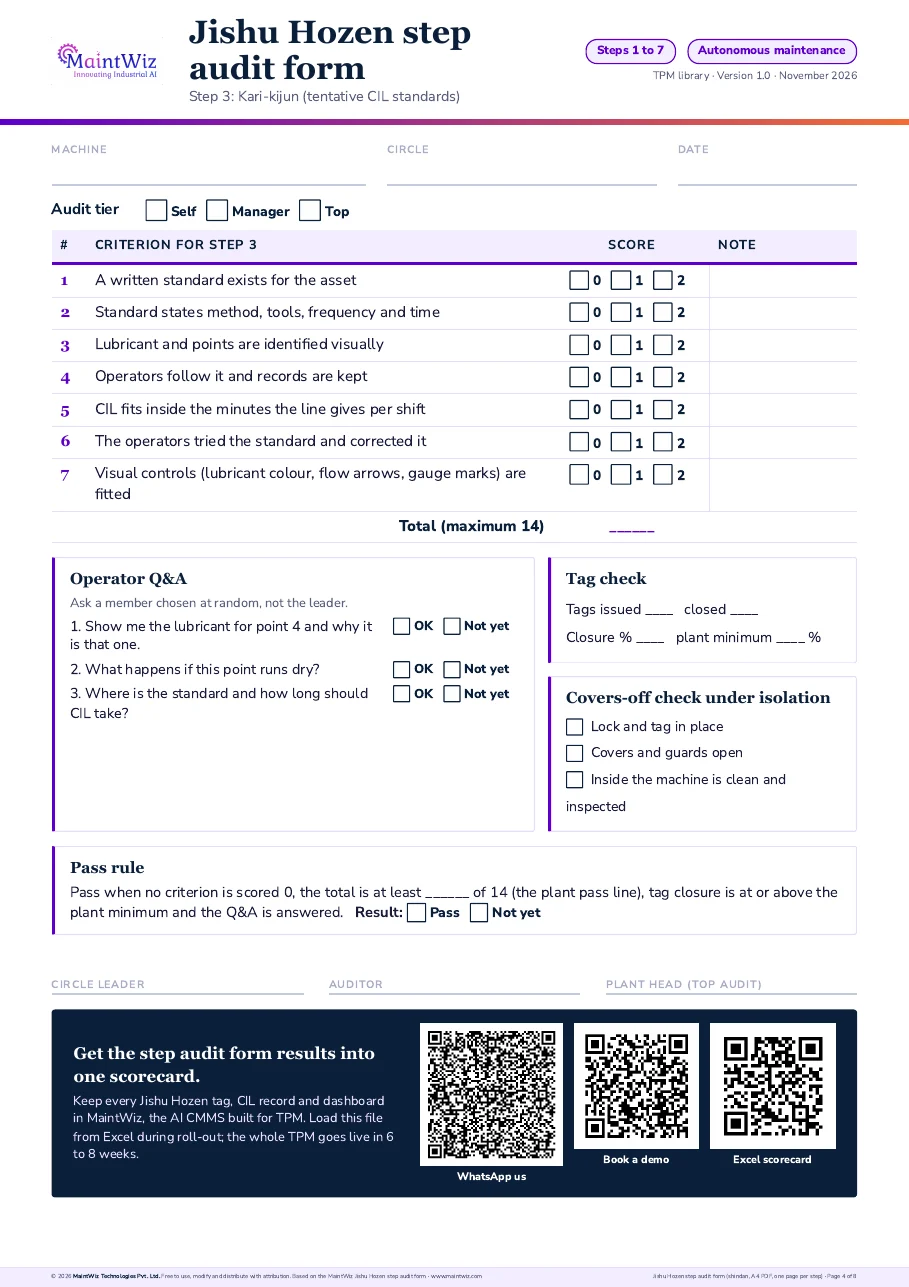
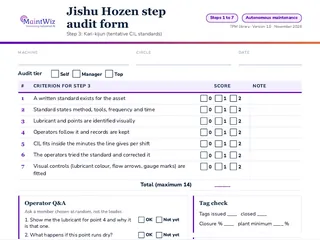 PDFJishu Hozen step audit form (shindan, PDF, one page per step)
Audit any machine with a one-page Jishu Hozen (autonomous maintenance) step audit form: scored criteria, operator questions, tag check and three-tier shindan sign-off.
Inside: One form per step, Step 1 Shoki Seiso (initial cleaning) to Step 7 Jishu Kanri (autonomous management) · Criteria scored 0, 1 or 2 with a pass rule · Three operator questions, a tag count and a covers-off check under isolation · Sign-off by circle self-audit, manager and top management
- Pages
- 8
- A4
- Created
- 5 November 2026
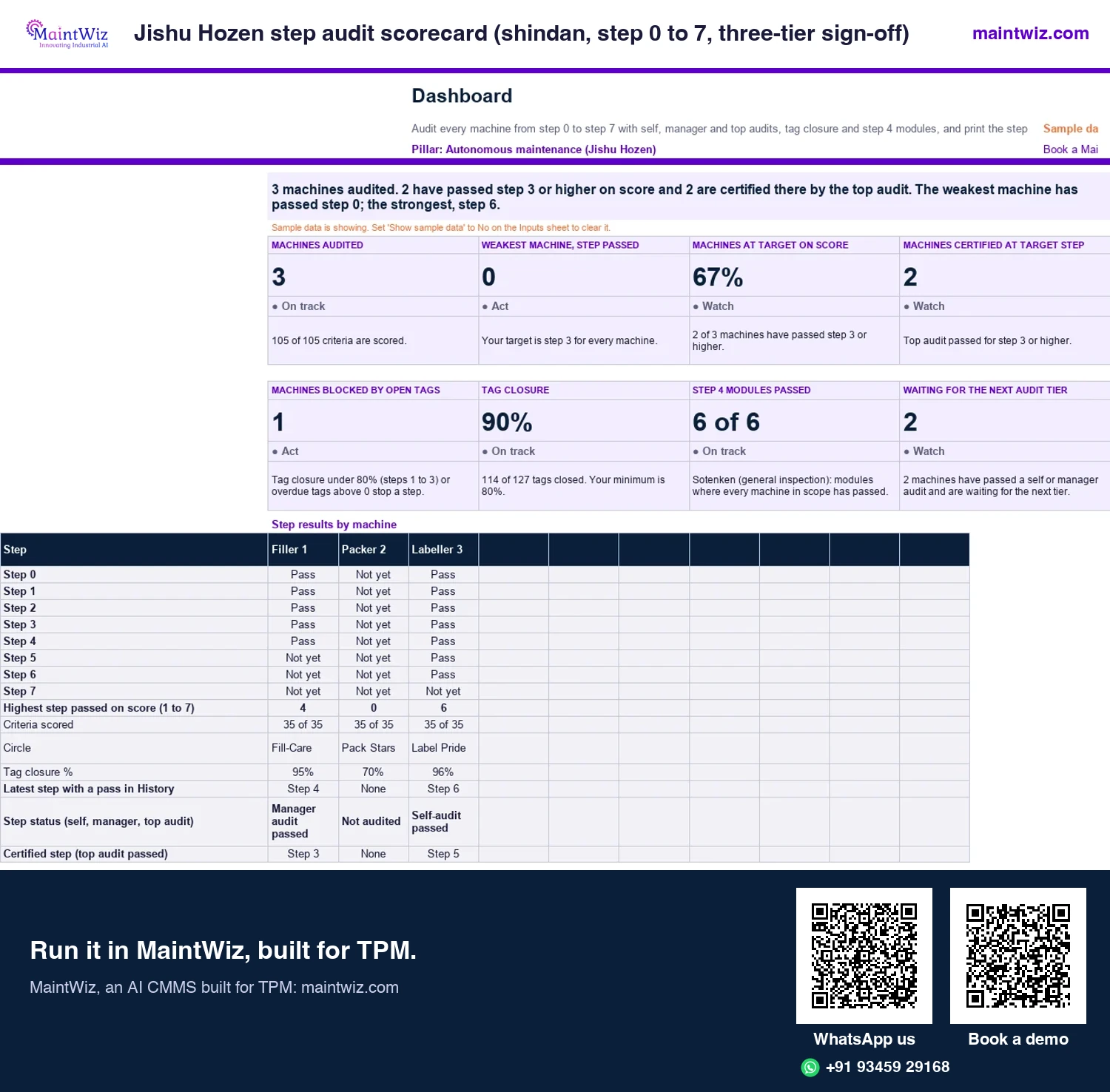
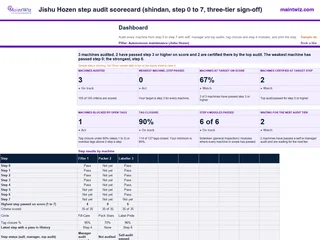 ExcelJishu Hozen step audit scorecard (shindan, step 0 to 7, three-tier sign-off)
Audit every machine through the seven Jishu Hozen steps with self, manager and top audits
- Sheets
- Dashboard, Inputs, Audit, Step 4 modules, History, Certificate, Read me
- A4
- Version
- v1.1, 5 November 2026
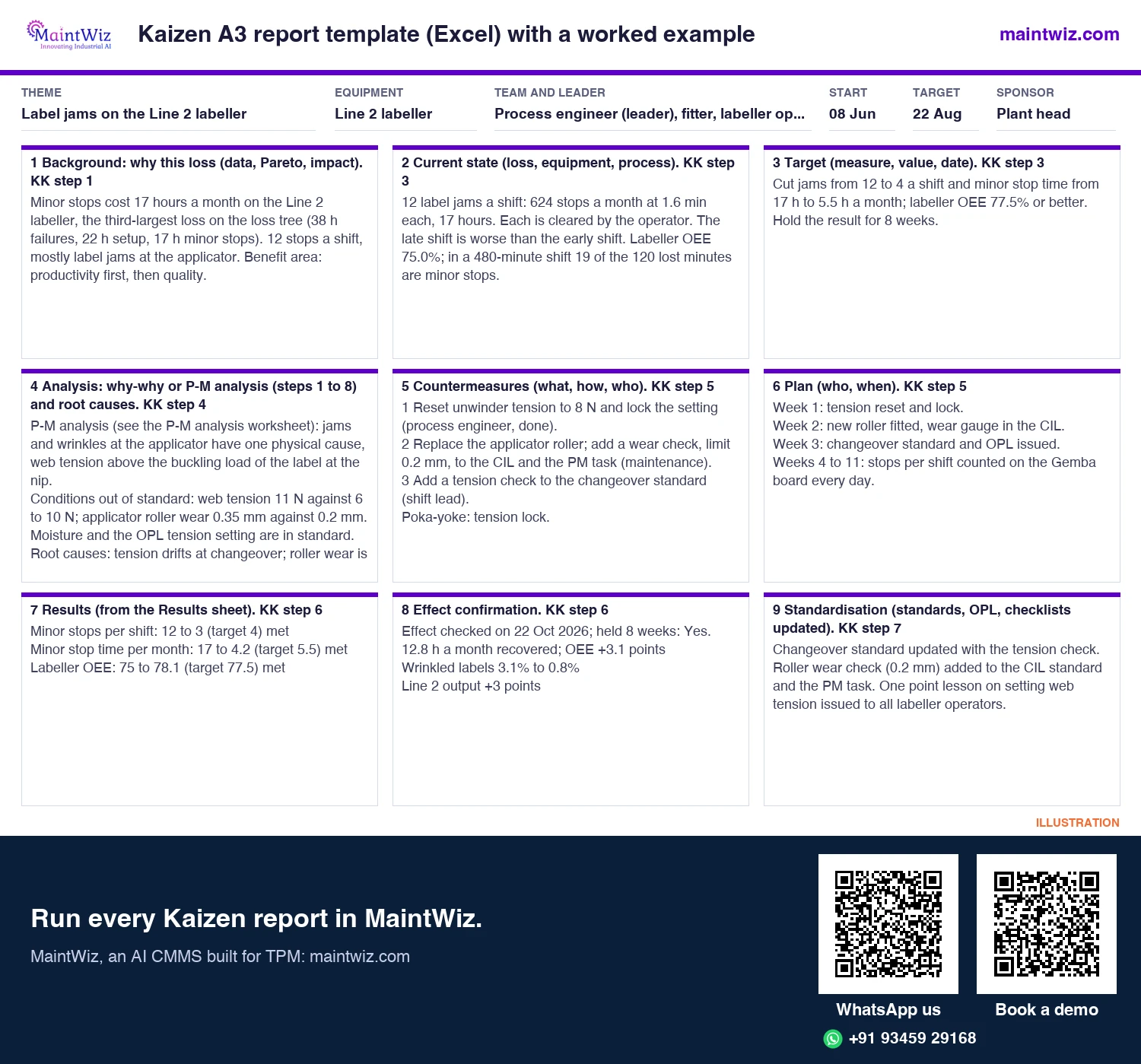
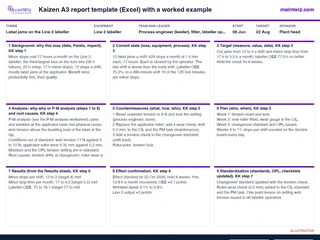 ExcelKaizen A3 report template (Excel) with a worked example
Run a Kobetsu Kaizen project as an A3 report, with the Line 2 labeller project filled in from loss ranking to Yokoten
- Sheets
- Dashboard, Inputs, Results, A3 report, A3 report, 2-page print, Calc, Read me
- One large sheet, or two A4 pages
- Version
- v1.1, 5 November 2026
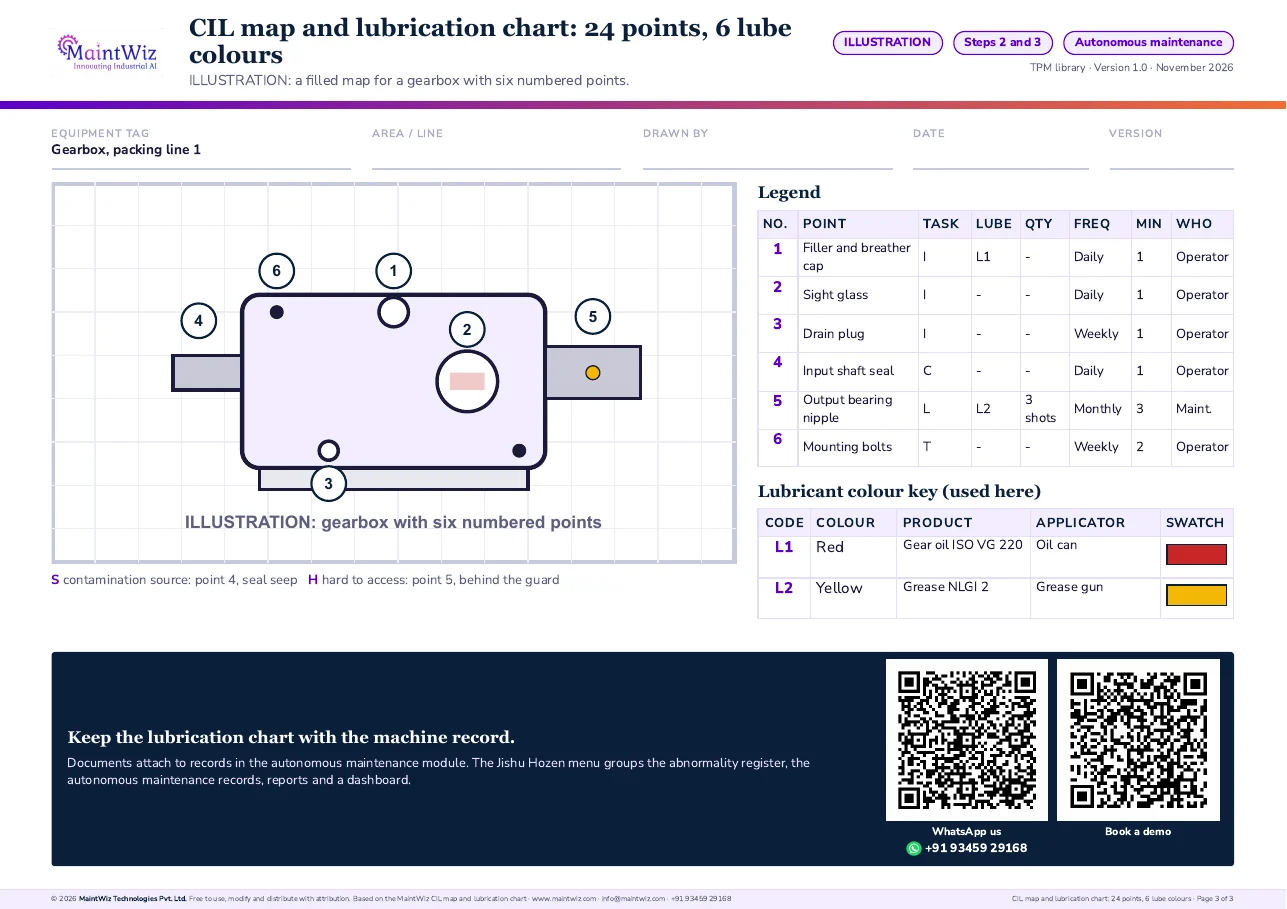
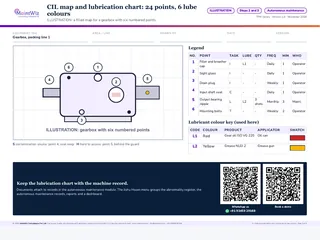 PDFCIL map and lubrication chart: 24 points, 6 lube colours
Sketch the machine, number up to 24 points, and give each lubricant one code and colour so the right grease reaches
- Pages
- 3
- A4 landscape
- Created
- 5 November 2026
Countermeasures
Which countermeasures work, and in what order?
| Order | Approach | What it means | Examples of the kind of change |
|---|---|---|---|
| 1 | Eliminate the source | Stop the dirt being produced | Replace a leaking seal; correct a misalignment that throws product; fix the cause of spillage |
| 2 | Contain it | Keep the dirt where it starts | Add a cover, guard or seal; direct spray; close gaps |
| 3 | Collect it | Catch and remove it before it spreads | Drip trays, dust extraction, chip collection, drains |
| 4 | Make cleaning easier | Reduce the effort and time when it cannot be avoided | Smooth surfaces, remove ledges, quick-release covers, windows for inspection |
Work down the list only when the one above is not practical. Plants often stop at the fourth option because it is the easiest, and then repeat the cleaning for years.
What are hard-to-access places, and how do you fix them?
| Problem | Typical cause | Countermeasure idea |
|---|---|---|
| Cannot clean | Guard or frame blocks the area; no reach | Redesign guard, add a hatch, change the layout |
| Cannot inspect | Point hidden behind panels; no light | Inspection window, mirror, removable cover, lighting |
| Cannot lubricate | Grease nipple behind a guard; mixed lubricants | Extend the point to a reachable position; centralise; colour-code |
| Takes too long | Many fasteners on a cover | Quick-release fasteners, captive hardware, hinged covers |
| Unsafe to reach | Moving parts, height, heat nearby | Safe access platform, redesign, work under the plant's isolation rules |
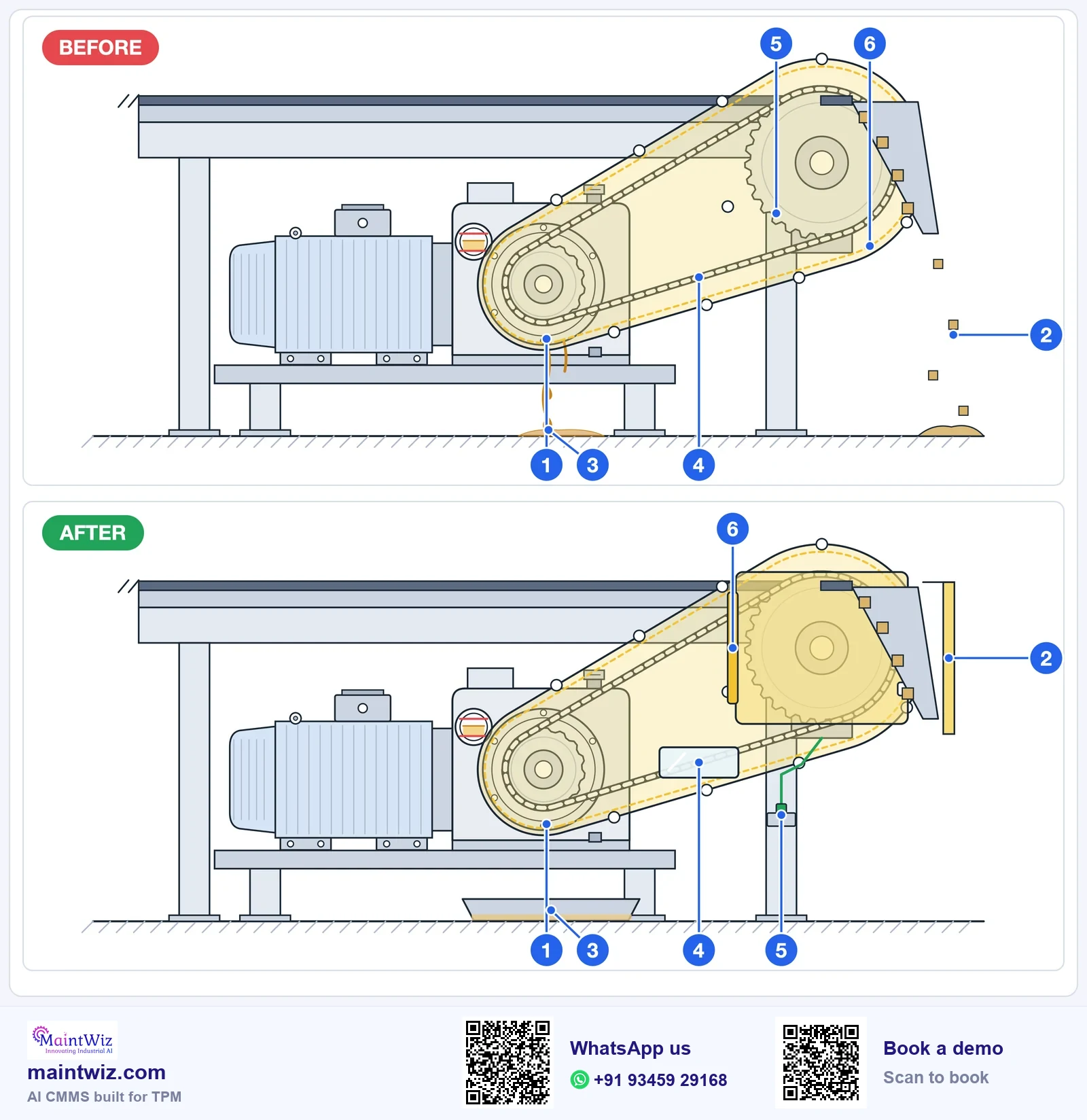
| No. | Before | After (countermeasure) |
|---|---|---|
| 1 | Oil leaks from the output seal | Seal changed: source eliminated |
| 2 | Product spills at the discharge chute | Splash guard fitted: spill contained |
| 3 | Oil reaches the floor | Drip tray fitted: what escapes is collected |
| 4 | Chain hidden behind a solid guard | Clear inspection window in the guard |
| 5 | Grease nipple behind the guard | Remote grease line to a reachable nipple |
| 6 | Guard held by many bolts | Hinged quick-release cover |
Safety comes first: any change to guards or access follows the plant's change procedure and is approved by the safety lead. Where a change needs engineering or a purchase, log it as a project and put a date on it.
Time to clean
Measuring the time to clean
The step 2 audit asks whether the time to clean and inspect has been reduced or a plan exists. Measure it the same way before and after: time the routine for the same equipment, with the same people, on the same scope. Record the figure on the CIL standard; it becomes the time budget for step 3. A reduction is evidence that countermeasures worked; no reduction after several actions suggests the real source has not been found (Figure 3).
Step 2 as a loop: time it, counter it, time it again
Contamination and hard-to-reach places, one source at a time
- 1
Time the clean
Note how long the area takes to clean and inspect today
- 2
List the sources
Where the dirt, leaks and spill come from
- 3
Counter in order
Eliminate, contain, collect, then make cleaning easier
- 4
Time it again
Record the new time and keep the change that works
- 5
Write it into the standard
Update the CIL standard and the checklist
Not shorter yet?
Go back to step 3
The cleaning time falls as sources are removed; the step is audited before moving on
maintwiz.comAI CMMS built for TPMWhatsApp us+91 93459 29168Book a demoMinutes to clean and inspect, before and after step 2 ILLUSTRATION
Three areas of one conveyor line, the same people and the same scope
Gearbox and seal area
Before18 minAfter9 minTime the shift allows: 10 min
Chain and guard
Before14 minAfter6 minTime the shift allows: 8 min
Motor and fan cover
Before8 minAfter5 minTime the shift allows: 6 min
Total 40 min before, 20 min after; the shift allows 24 min
maintwiz.comAI CMMS built for TPMWhatsApp us+91 93459 29168Book a demoWho does what in step 2
| Role | Contribution |
|---|---|
| Operators | Know where the dirt appears; list sources and hard places; try small countermeasures |
| Supervisor | Releases time, tracks actions, escalates what the team cannot fix |
| Maintenance and engineering | Fix leaks, add covers and access, design larger changes |
| Pillar owner | Keeps the register of sources and hard places; runs the audit |
| Safety lead | Approves guard and access changes |
Audit
How is step 2 audited?
Four criteria, scored 0 to 2 each: sources of dirt, dust, leaks and spills are listed; countermeasures are planned or done for the worst sources; hard-to-access places for cleaning, inspection or lubrication are listed; time to clean and inspect has been reduced, or a plan exists. A step passes at 7 of 8 points, the first score at or above the 80% pass mark. The audit is done at the equipment with an operator and someone from outside the area, checking the list, the photographs and the actions, as set out in the step-gate audit.
In MaintWiz the auditor reads open and closed sources on the Jishu Hozen dashboard and opens each register entry for its owner.
Common mistakes in step 2
- Cleaning harder instead of finding the source.
- Listing sources but never assigning an owner or date.
- Countermeasures that only make dirt prettier, such as paint over a leak.
- Changing guards without the safety lead's approval.
- No before-and-after time, so the audit has nothing to check.
- Rushing to step 3 with the sources unsolved, so the standard describes a routine that is too long to follow.
Running step 2
How does MaintWiz run step 2?
- Register entry: each contamination source and hard-to-access place is logged against the equipment as a category.
- Assignment: each entry has an owner and a target date, with an overdue alert when the date passes.
- Dashboard: source of contamination and hard-to-access records, assigned, closed and completed.
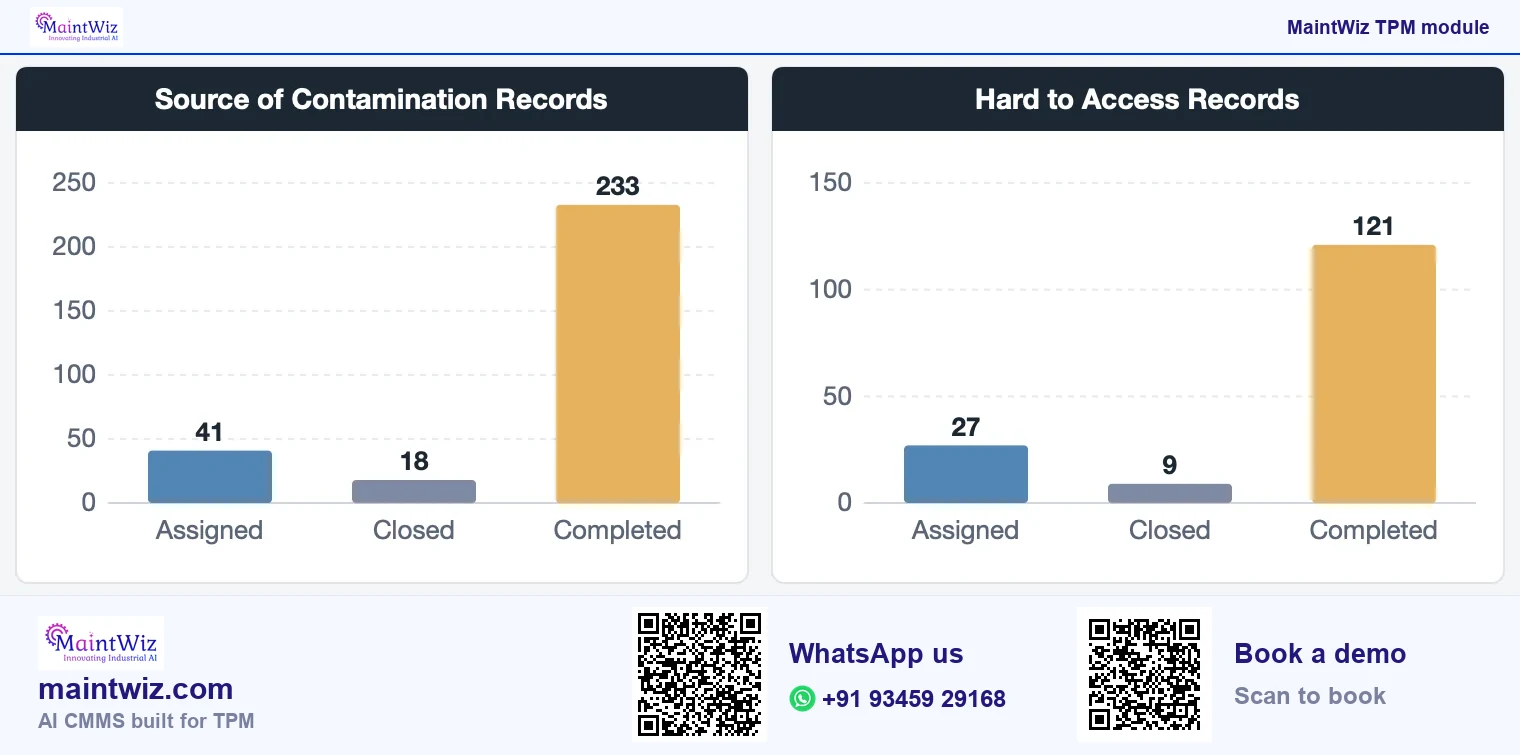
MaintWiz runs this in its autonomous maintenance software, on the abnormality register shared with the other TPM modules. Book a demo to run step 2 on your own equipment.
FAQ
Frequently asked questions
What is step 2 of autonomous maintenance?
Step 2 deals with contamination sources and hard-to-access places. The team lists where dirt, dust, leaks and spills start and which points are hard to clean, inspect or lubricate, then plans or completes countermeasures and tries to cut the time to clean.
What is a contamination source?
A contamination source is where dirt, oil, dust, product or water begins or spreads from, such as a leaking seal or a gap in a cover. Fixing the source stops the dirt returning; wiping it up only treats the symptom.
What is a hard-to-access place?
A point that is difficult or unsafe to clean, inspect or lubricate without removing parts or taking risks, such as a grease nipple behind a guard. Countermeasures include hatches, windows, extended lubrication points and quick-release covers.
In what order should countermeasures be tried?
Eliminate the source first, then contain it, then collect it, and only then make cleaning easier. Plants that start with easier cleaning often repeat the same cleaning for years because the source remains.
How do you know step 2 is complete?
The step 2 audit passes: sources and hard-to-access places are listed, countermeasures are planned or done for the worst of them, and the time to clean and inspect has fallen or a plan exists. The pass mark is 80%, so a step needs 7 of 8 points.
How does step 2 relate to focused improvement?
Sources that operators cannot fix themselves become projects for a focused improvement team, with an owner, a target and a verified result. Recurring design weaknesses can also be recorded as lessons for early equipment management.
Can software track contamination sources and hard-to-access places?
The MaintWiz Jishu Hozen dashboard shows source of contamination and hard-to-access records, assigned, closed and completed, so the team sees which sources recur and which fixes are done. The entries sit in the same abnormality register as the step 1 findings.