
Key takeaways
- One module for each pillar, plus 5S and OEE, on one equipment list, with menus and roles configured for your plant.
- Live in 6 to 8 weeks, with the implementation team running the plan, milestones and training.
- Overdue alerts show what has passed its target date. IoT signals raise work orders automatically; a tag converts to a work order after manual review.
- Integrates with SAP through the PM and MM modules using web services; IoT, MES, SCADA, PLC and DCS sources and single sign-on are supported; XLS and PDF export.
- Pricing is tailored to your plant and quoted on request. Book a demo to see it on your own data.
Modules
What does MaintWiz TPM software include?
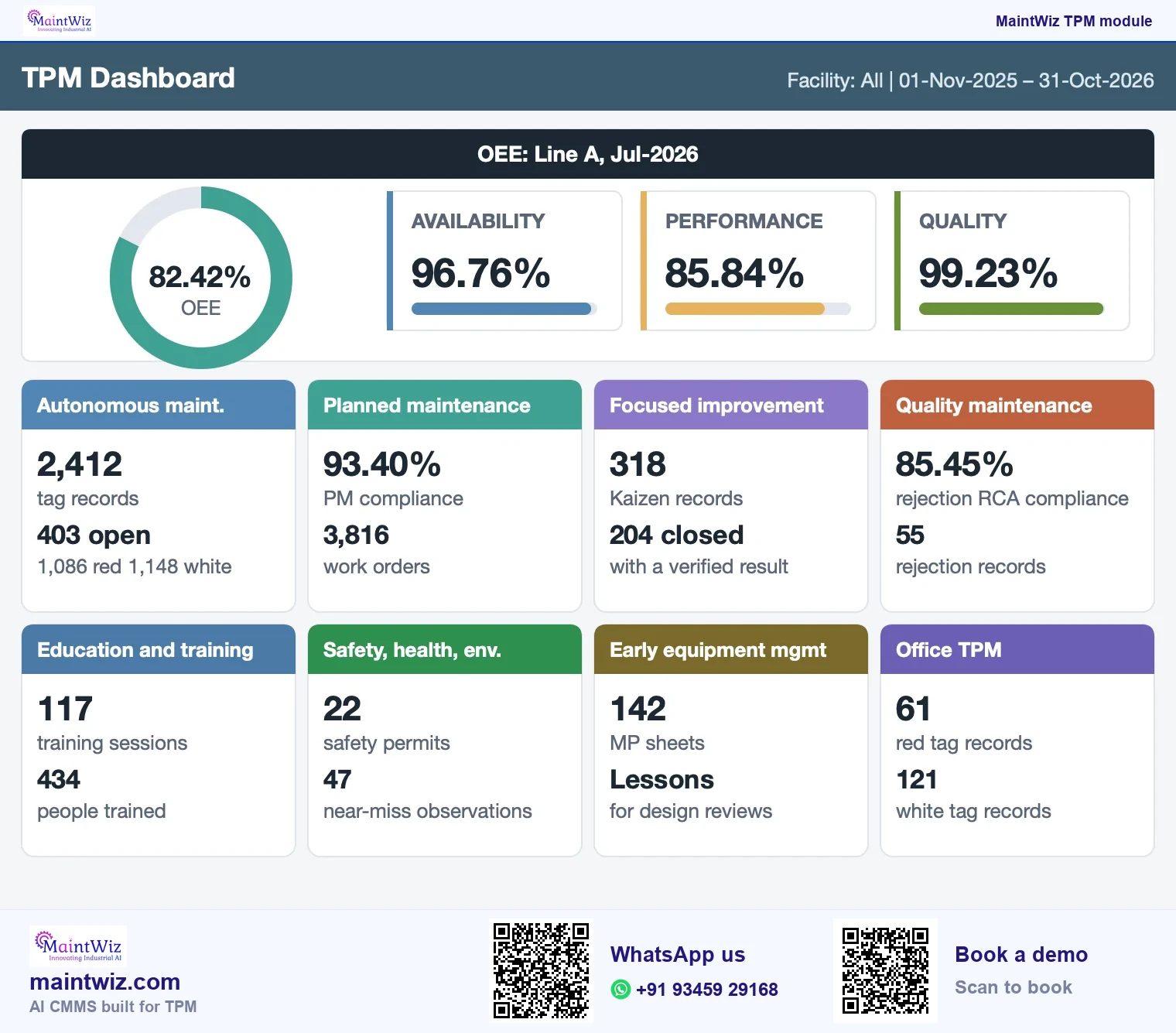
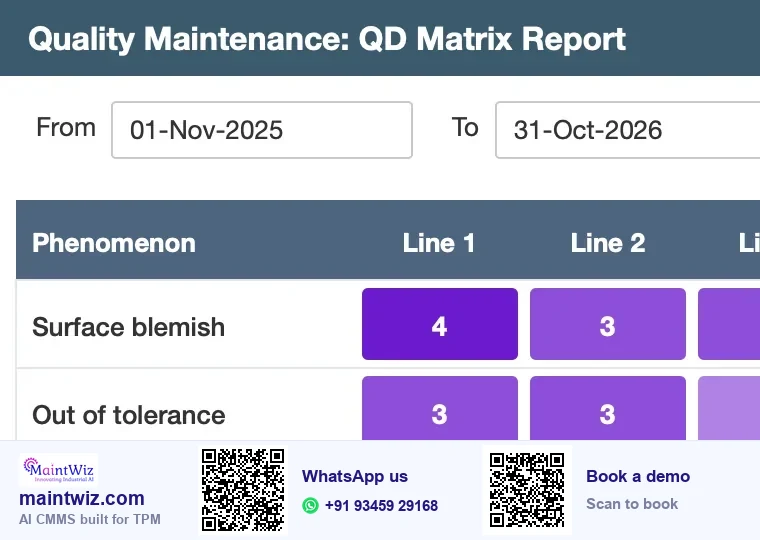
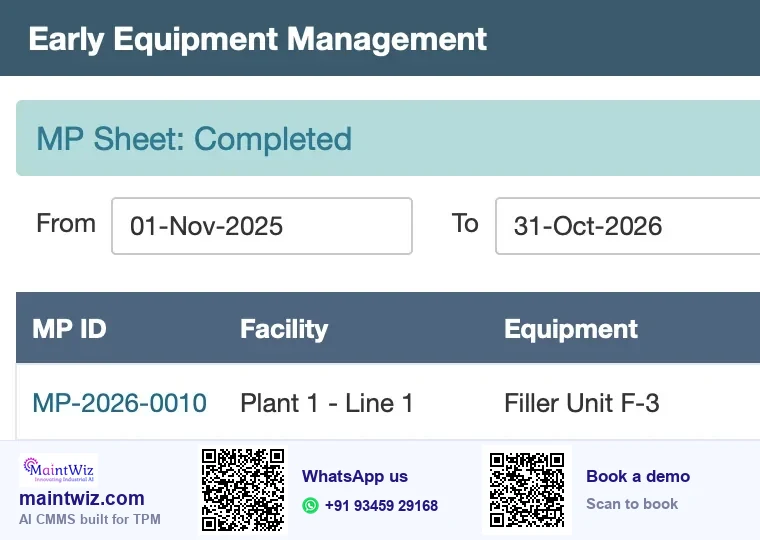
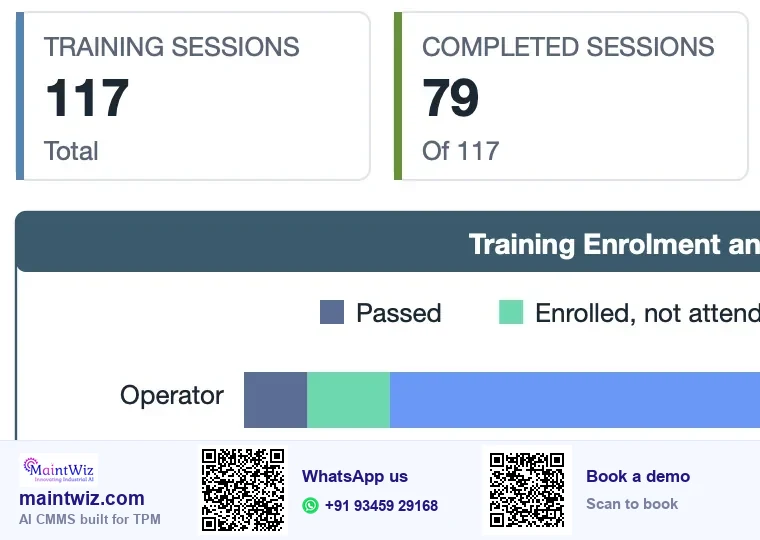
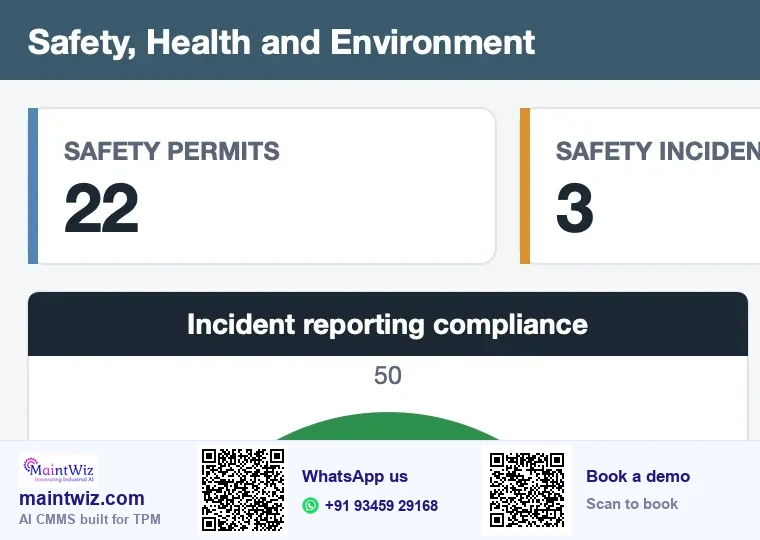
MaintWiz maps each TPM pillar to a module, and 5S, one point lessons and OEE sit alongside them. Every module works from the same equipment list, and dashboards show open items, closed items and losses by pillar. Menus, roles and entitlements are configured for your plant, so each team sees what it needs. The modules follow the pillars as the Japan Institute of Plant Maintenance (JIPM) describes TPM (Figure 2).
| Pillar | MaintWiz module | Who it is for | Page |
|---|---|---|---|
| Autonomous maintenance (Jishu Hozen) | Abnormality register, autonomous maintenance records, reports and a dashboard | Operators, supervisors, pillar owners | Autonomous maintenance software |
| Planned maintenance (Keikaku Hozen) | Planned Maintenance menu and the TPM dashboard overview | Maintenance planners, engineers | Planned maintenance in TPM |
| Focused improvement (Kobetsu Kaizen) | Kaizen idea sheet, poka-yoke sheet, losses, production log entry, KK report, loss cost master | Project leaders, engineers, finance partners | Kaizen software |
| Quality maintenance (Hinshitsu Hozen) | Defects entry, rejection RCA, QD matrix report, complaint register, quality dashboard | Quality engineers, operators, plant head | Quality defect software |
| Early equipment management (Shoki Kanri) | MP sheet entry, reports and dashboard | Design and project engineers, maintenance | Early equipment management software |
| Education and training (Kyoiku Kunren) | Plan, sessions, schedule, master, reports and dashboard; certification and expiry handling | Training coordinators, supervisors, HR | Training management software |
| Safety, health and environment (Anzen Eisei Kankyo) | Incident reporting form, BBSO, near miss observations, SHE dashboard | Safety lead, supervisors, every employee | Near miss and BBSO software |
| Office TPM (Kanri Kansetsu Bumon) | Abnormality records and a dashboard for office areas | Office and support teams | Abnormality register and office TPM |
| Foundation: 5S | Audits, reports and a dashboard with compliance, month-wise view, top and low 10, best zone and radar | Zone owners, auditors, 5S coordinator | 5S audit software |
| Foundation: one point lessons | OPL list and form with steps and images; PDF export | Authors, verifiers, operators | One point lesson software |
| Measure: OEE | Equipment view with loss stratification, daily OEE and lost-hours Pareto; downtime report; line and plant roll-up | Production, maintenance, plant head | OEE software |
One module for each pillar
The eight pillars of Total Productive Maintenance, each with its Japanese term and its own screen
Jishu Hozen
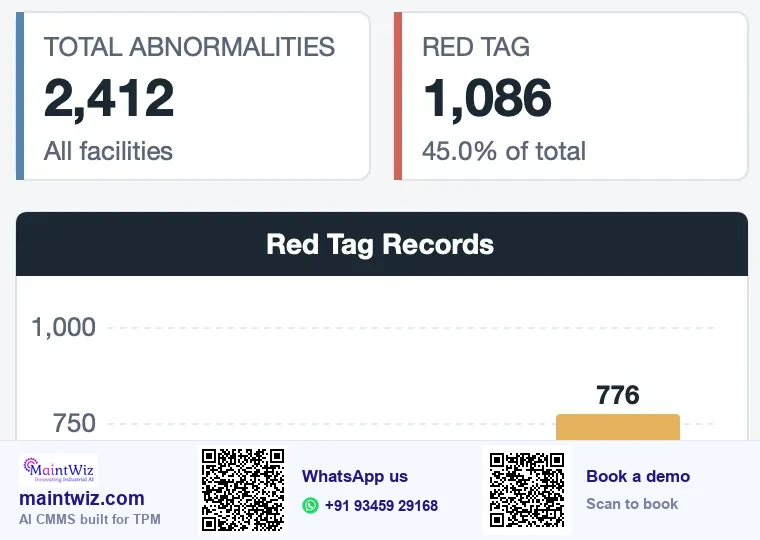
Kobetsu Kaizen
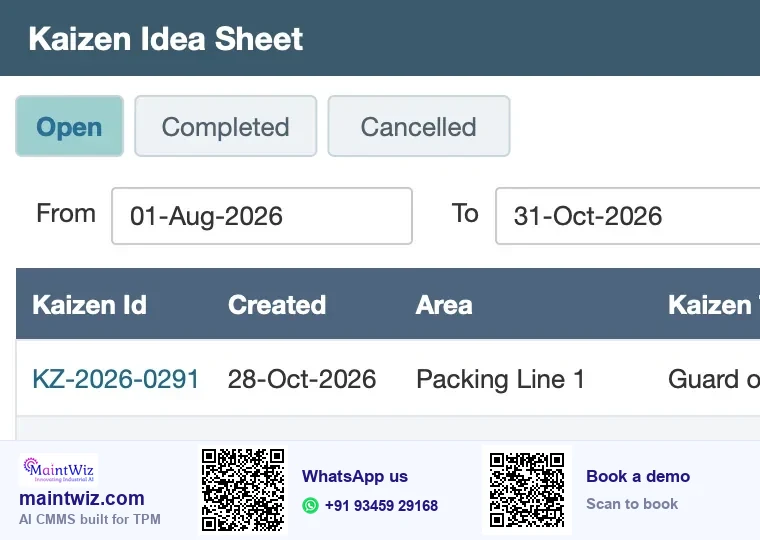
Keikaku Hozen
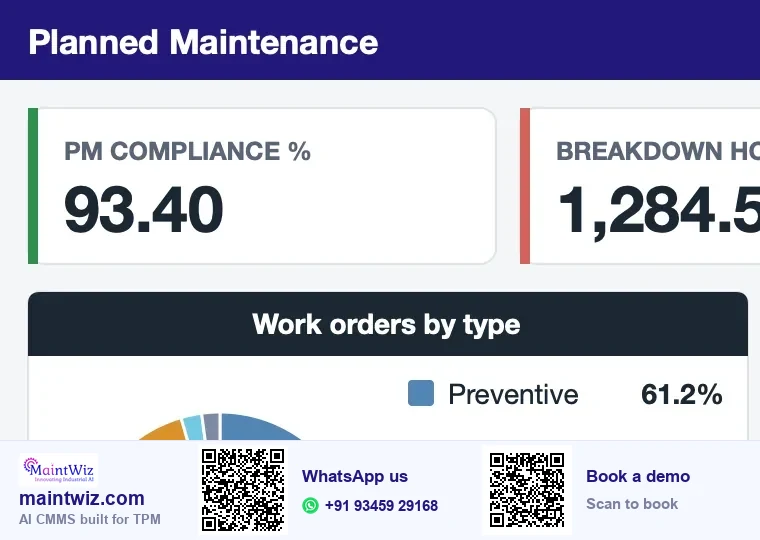
Hinshitsu Hozen
Early equipment management
Kyoiku Kunren
Anzen Eisei Kankyo
Office TPM
On the same equipment list
 maintwiz.comAI CMMS built for TPM
 WhatsApp us
 +91 93459 29168
 Book a demo
The modules follow the pillars as the Japan Institute of Plant Maintenance (JIPM) describes TPM, and Ahuja and Khamba's 2008 review of the TPM literature describes the same breadth.
Downloads
Score MaintWiz against your needs: scorecard, cost planner and activity board
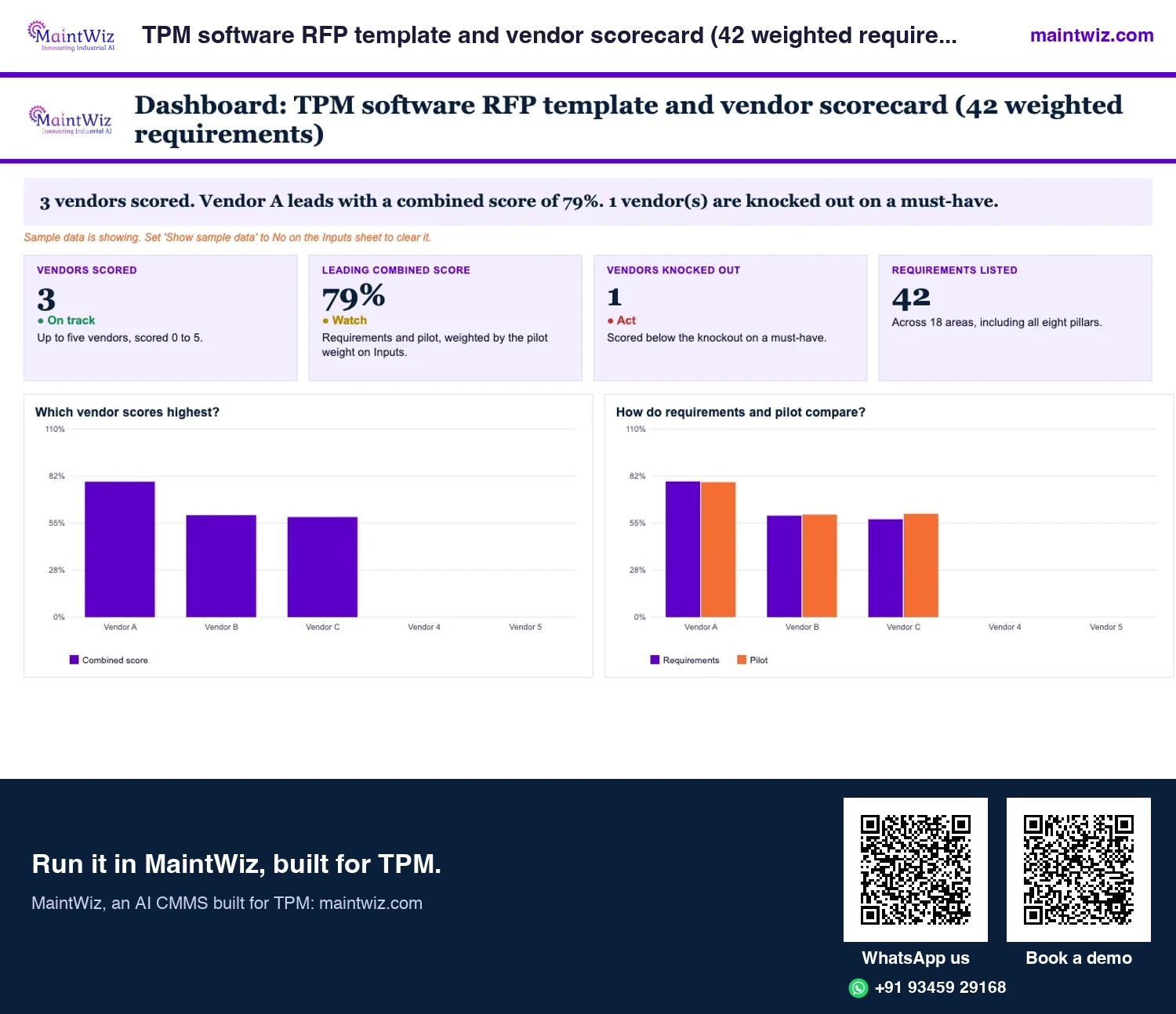
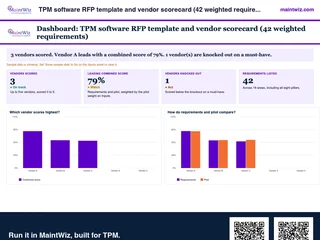 ExcelTPM software RFP template and vendor scorecard (42 weighted requirements)
Weight 42 requirements, score up to five vendors, run a proof of concept on your own equipment list and read a ranked
- Sheets
- Dashboard, Inputs, Scorecard, Pilot scoring, Questions, Proof of concept, Read me
- A4
- Version
- v1.1, 4 November 2026
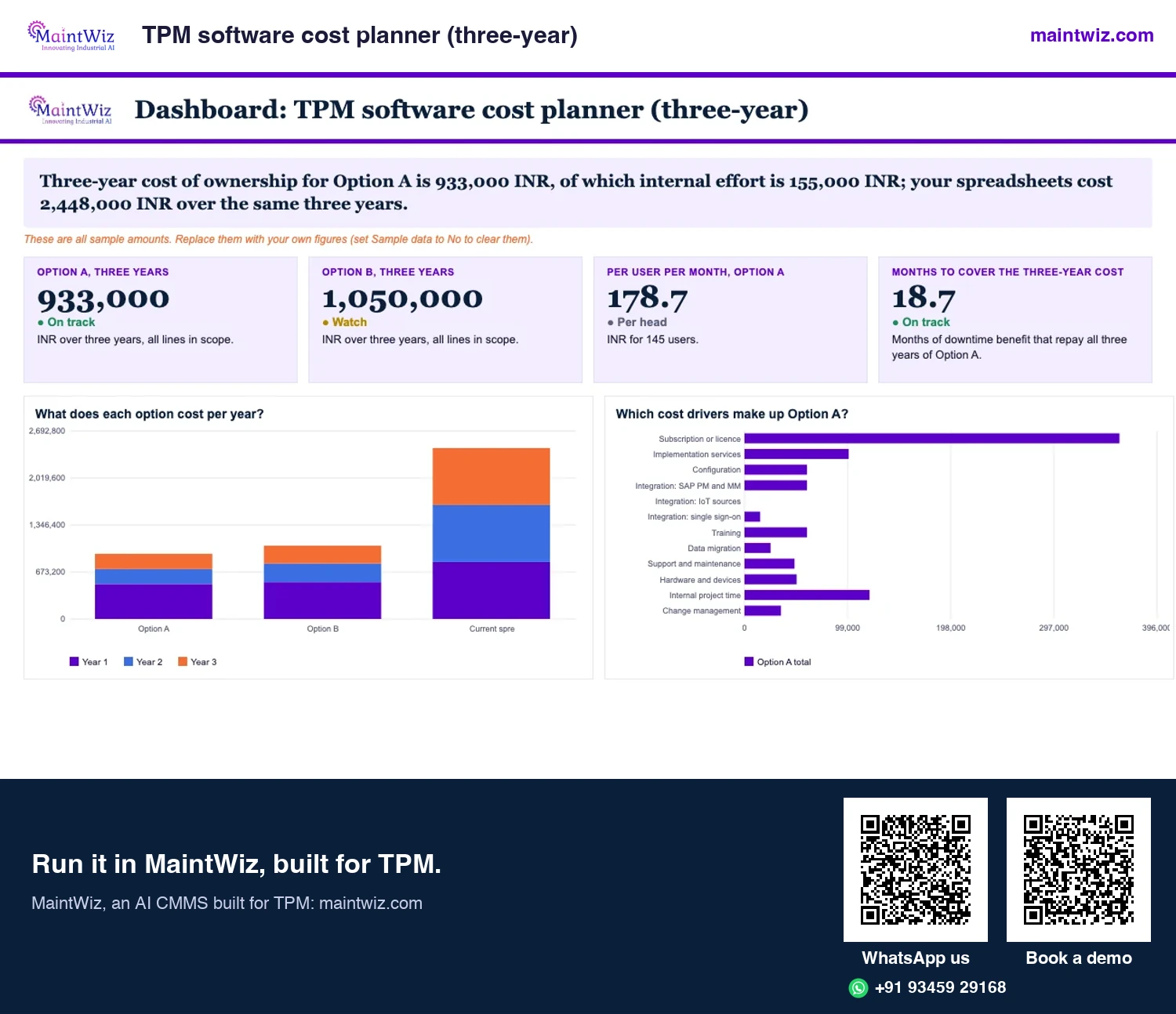
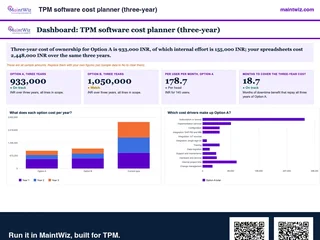 ExcelTPM software cost planner (three-year)
Compare the three-year cost of TPM software on your users, plants and services
- Sheets
- Dashboard, Inputs, Costs, Results, Read me
- A4
- Version
- v1.2, 4 November 2026
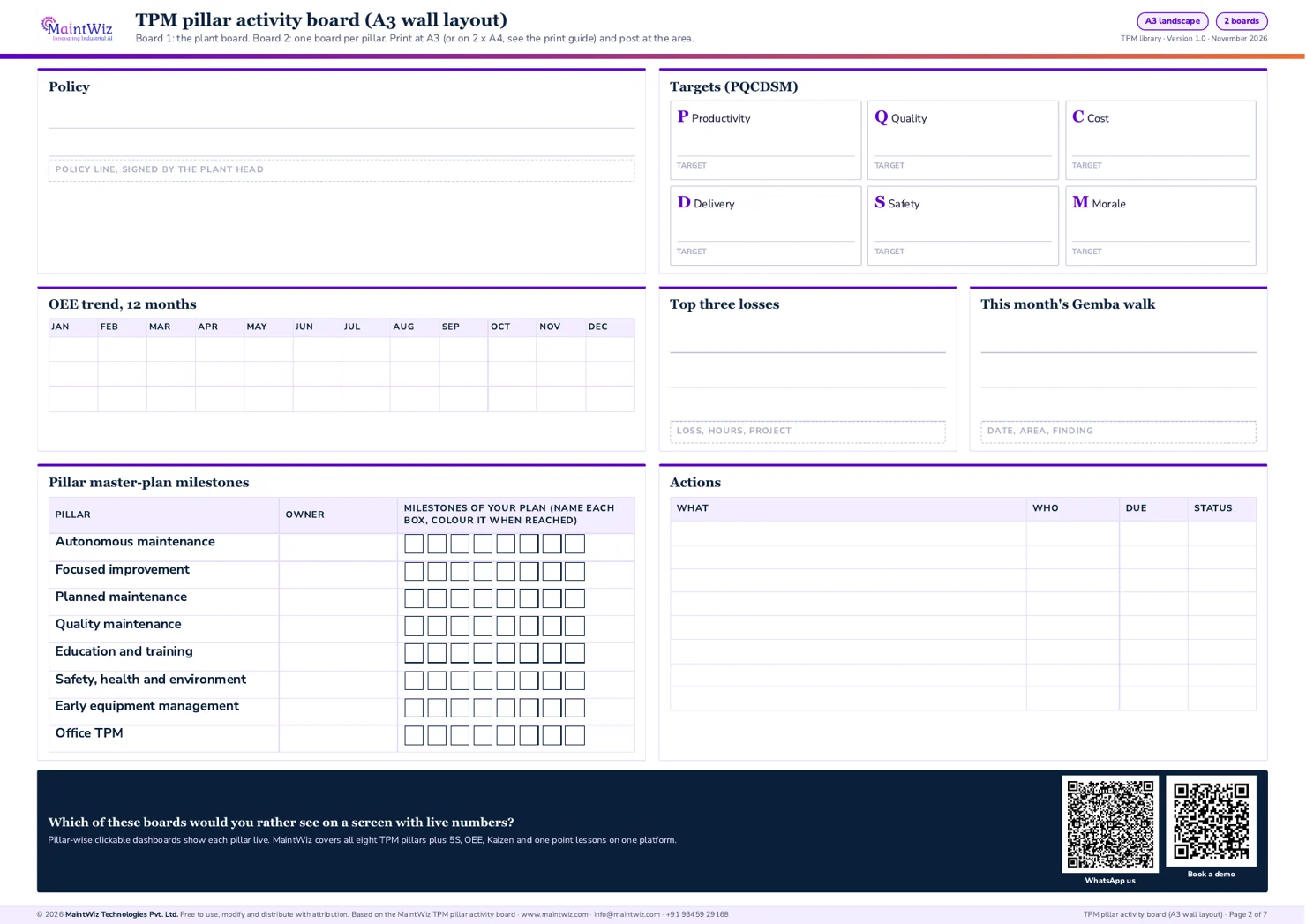
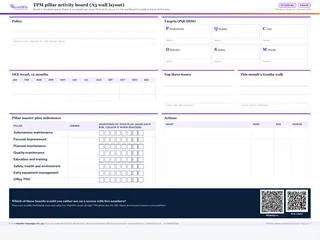 PDFTPM pillar activity board
Post one plant board and one pillar board with PQCDSM targets, the OEE trend, Gemba walk notes
- Pages
- 7
- A3 landscape (2 x A4 version inside)
- Created
- 5 November 2026
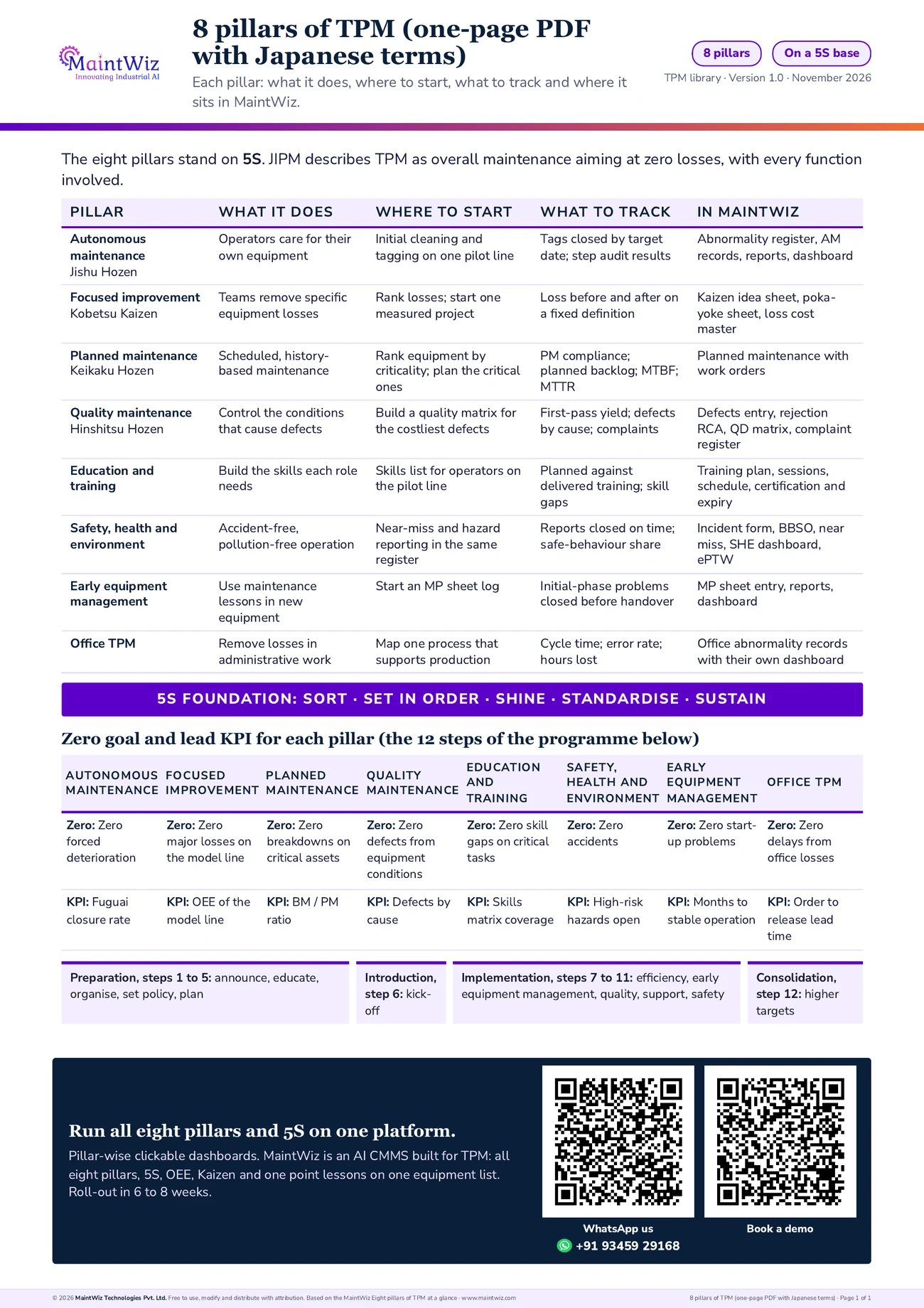
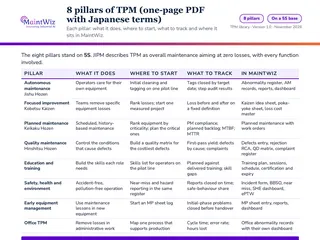 PDF8 pillars of TPM (one-page PDF with Japanese terms)
The eight pillars on one page with Japanese names, zero goal, lead KPI and where each sits in MaintWiz
- Pages
- 1
- A4
- Created
- 5 November 2026
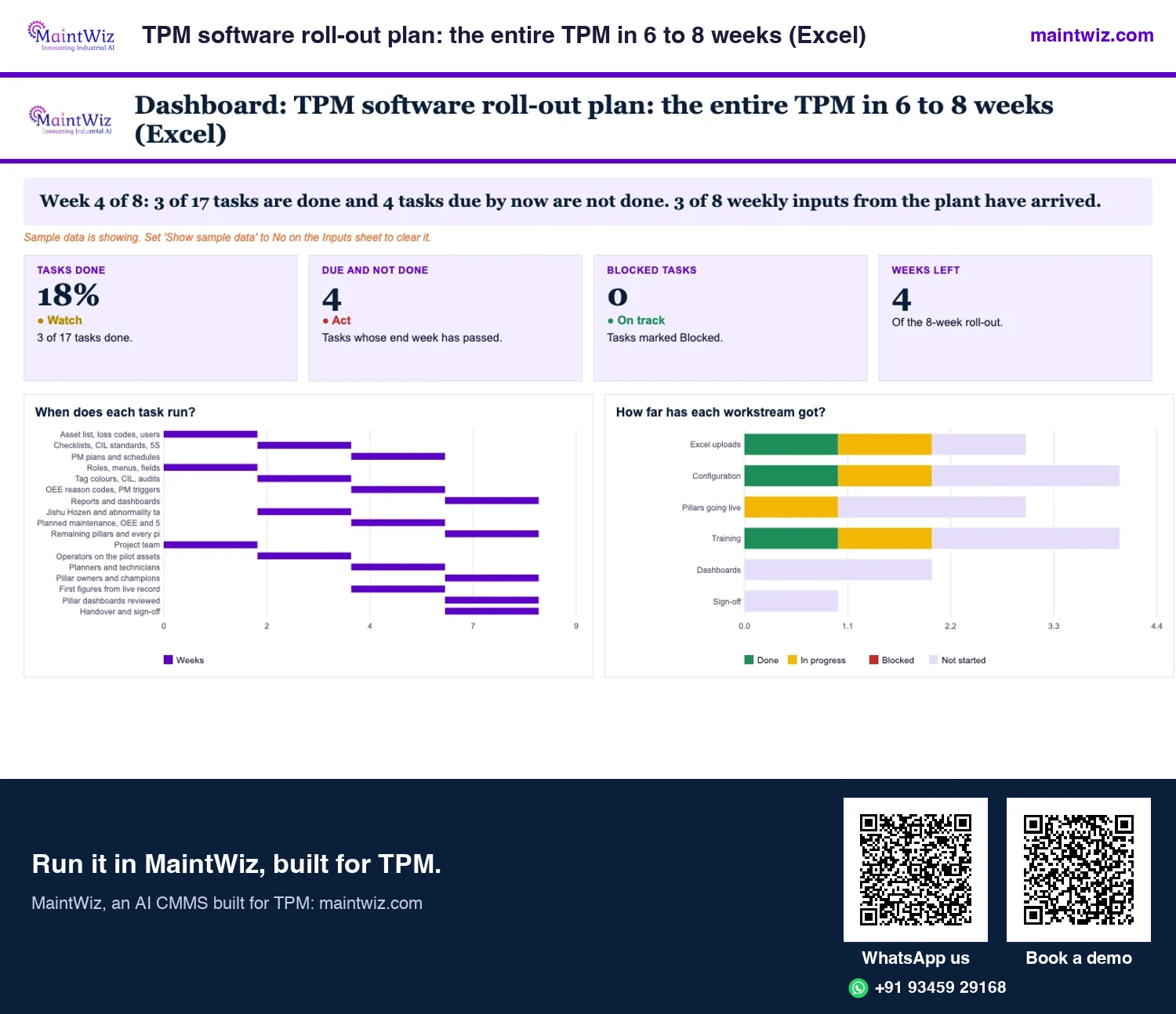
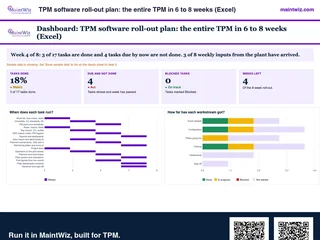 ExcelTPM software roll-out plan: the entire TPM in 6 to 8 weeks (Excel)
Plan the entire TPM roll-out in 6 to 8 weeks with Excel uploads: tasks by week, what your team supplies and what is on time.
Inside: Plan: 17 tasks by workstream with start week, end week, owner and status · Needs: what your plant supplies each week, owner and received tick · Tasks done, due and not done, blocked and weeks left · Excel uploads of asset list, loss codes, users and PM plans
- Sheets
- Dashboard, Inputs, Plan, Needs, Read me
- A4
- Version
- v1.0, 4 November 2026
Why MaintWiz
Why do plants choose MaintWiz for TPM?
From the first tag to the closed action
One system from the operator's tag to the updated standard
Operator
Owner
Maintenance
Pillar lead
IoT signal
maintwiz.comAI CMMS built for TPMWhatsApp us+91 93459 29168Book a demoWhat your teams get
- One system for every pillar: tags, audits, Kaizen, quality, training, safety and OEE share one equipment list, so a team follows a problem from the first tag to the closed action.
- Fast to start: equipment lists and masters load from your Excel templates and the screens are intuitive, so operators are raising tags in the pilot areas by weeks 5 to 6.
- Built for the floor: operators capture records on mobile devices and see their own area's open items.
- Overdue items stay visible: overdue alerts show what has passed its target date. IoT signals raise work orders automatically; a tag can be converted to a work order after manual review.
- 5S that leads to action: an audit finding can be raised in the abnormality register with an owner and a date.
- OEE you can trust across the plant: line and plant views are configured to roll up the equipment in scope, weighted by planned time.
- Certification and expiry handling for training, for example licences and vision tests.
- Reports your managers can use: data exports to XLS and PDF.
- AI agents on your records: agents read tags, work orders and loss records and propose a watch list of what needs attention; supervisors approve or reject each item.
See it on your equipment list
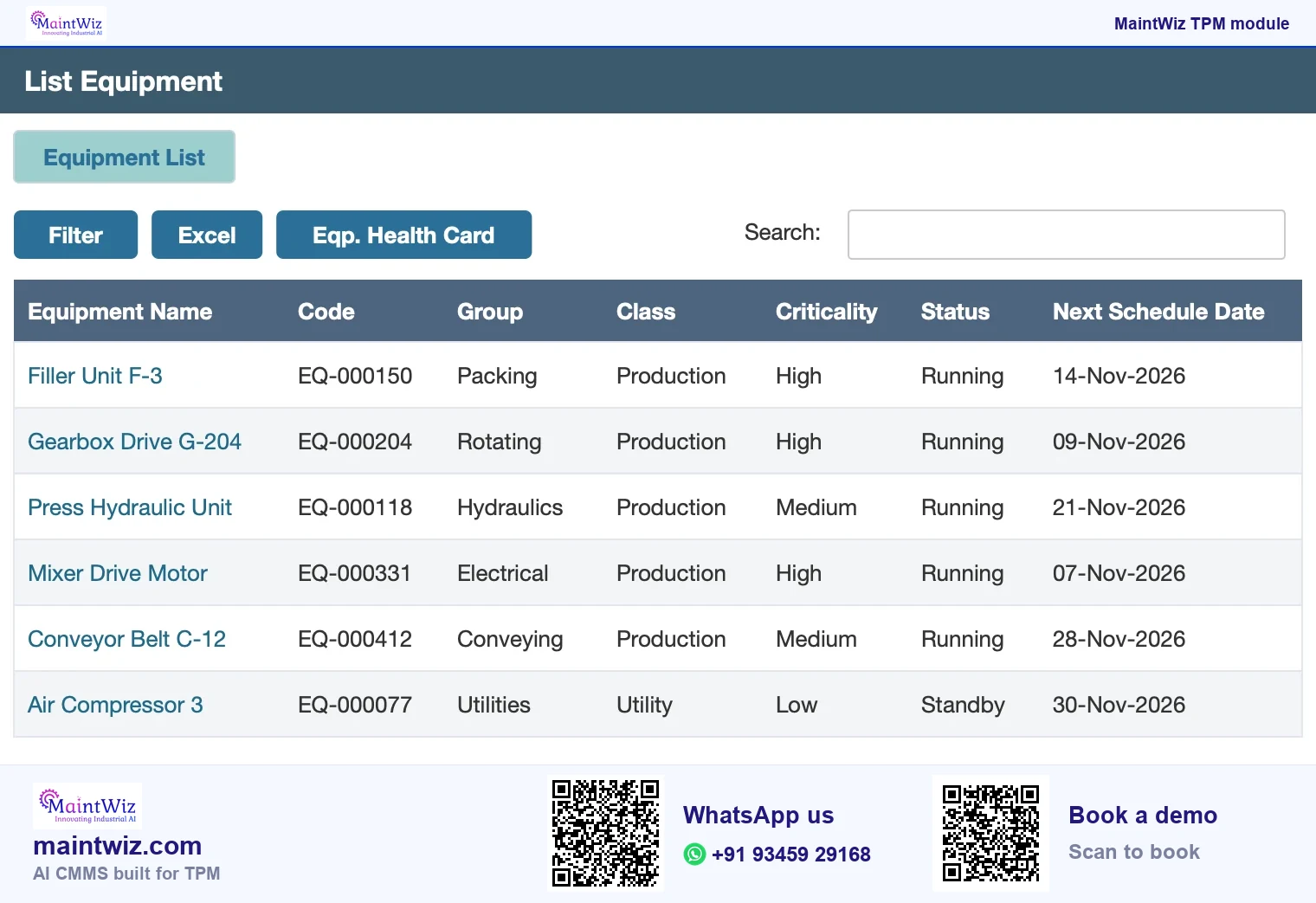
Book a demo and see these on your own equipment list (Figure 4).
6 to 8 weeks
What happens in the 6 to 8 weeks?
The entire TPM can be rolled out in 6 to 8 weeks, with guided project management from the MaintWiz implementation team: a project plan and milestones, module set-up and training. This is how the weeks run, so you can plan who from your side takes part (Figure 5).
A 6 to 8 week roll-out, week by week
Guided by the MaintWiz implementation team; data loads through easy Excel uploads
Week 1Week 2Week 3Week 4Week 5Week 6Week 7Week 8
Set-upConfigureTrain and go liveExtend and review
Kick-off and project plan
Excel upload: equipment list, master data
Modules set up with the MaintWiz team
Tag rules, reason codes and checklists agreed
Operator training on mobile capture
Live running in the pilot areas
Extension across areas and pillars
Dashboard review by pillar
SAP, IoT or MES connection, where needed
- Week 2: Data loaded
- Week 4: Routines ready
- Week 6: Operators trained and live
- Week 8: Roll-out complete
maintwiz.comAI CMMS built for TPMWhatsApp us+91 93459 29168Book a demo| Week | What you do | Pillars and modules in play |
|---|---|---|
| Weeks 1 to 2 | Agree the project plan and milestones, scope, menus, roles and entitlements with the implementation team; upload equipment lists and masters from your Excel templates; set tag colours and categories | Equipment list, all modules |
| Weeks 3 to 4 | Set up the modules with the implementation team: losses and the loss cost master for Kaizen, quality defect and complaint records, the training plan with certification and expiry, OEE stops and counts with line and plant roll-ups, SAP PM and MM through web services if you run SAP | Kaizen, quality, training, OEE, integrations |
| Weeks 5 to 6 | Train operators and run live in the pilot areas: first abnormalities raised on mobile devices with owners and target dates, first 5S audits scored, open items and overdue alerts visible by area | Autonomous maintenance, abnormality register, 5S audit |
| Weeks 7 to 8 | Extend across areas; review the dashboards by pillar with the plant head; export XLS and PDF reports; add the safety and early equipment management records | Dashboards, safety, early equipment management |
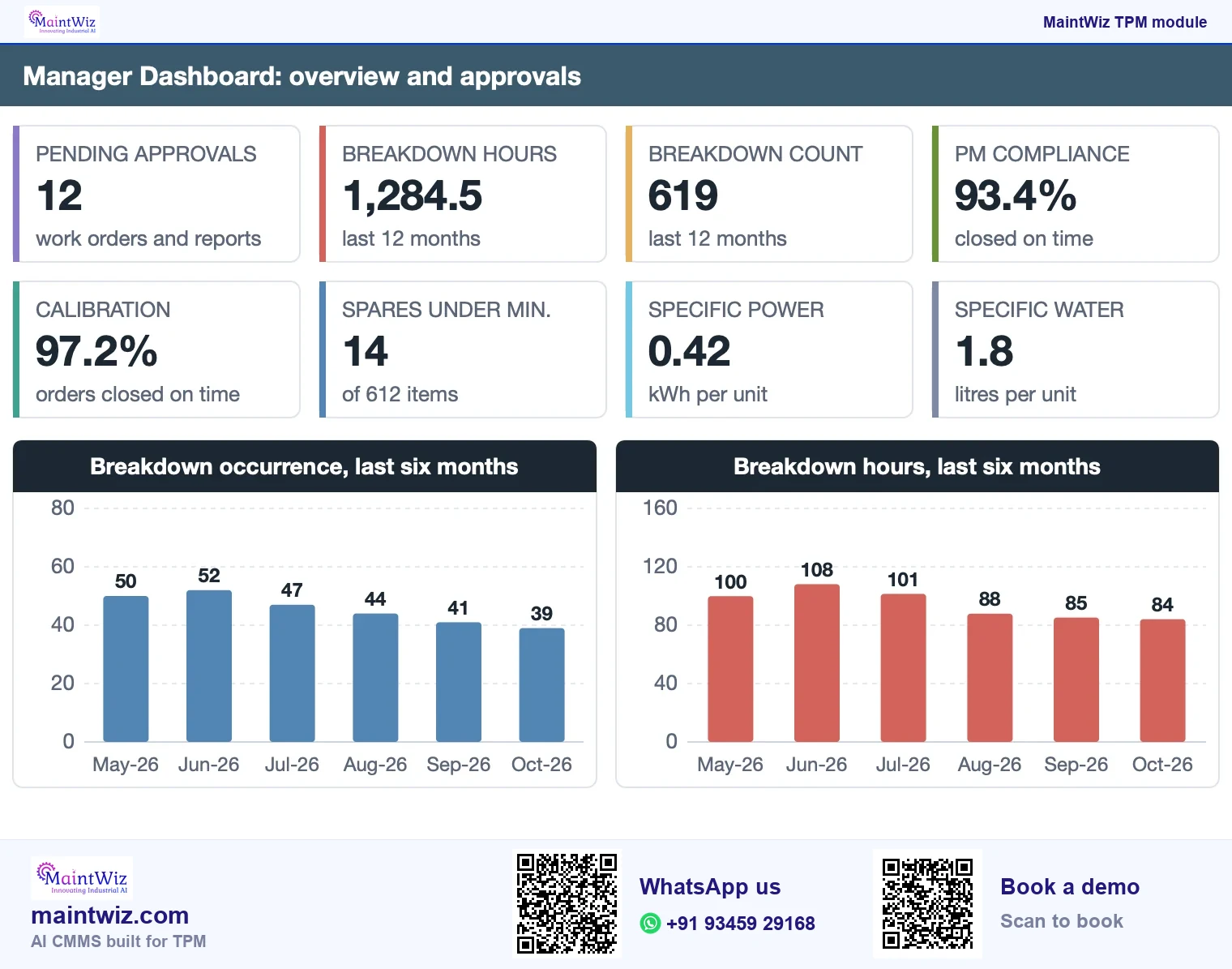
Your plan follows your plant: start with the pillars that matter most and add the rest as the routines settle. Each site follows its own sequence, with its own pilot area, its own go-live week and the same equipment list across every module (Figure 6).
Map the 6 to 8 weeks to your sites: book a demo
Integrations
How does MaintWiz connect to your systems?
How MaintWiz connects
Four connections, each described on this page
MaintWiz: an AI CMMS built for TPM
SAP PM and MM
Through web services
IoT, MES, SCADA, PLC and DCS
Sources that can feed readings
Enterprise single sign-on
Users sign in through your identity system
XLS and PDF export
Data leaves as spreadsheets and documents
maintwiz.comAI CMMS built for TPMWhatsApp us+91 93459 29168Book a demo- SAP: integrates with SAP through the PM and MM modules using web services. See TPM software with SAP integration.
- Plant systems: can connect IoT, MES, SCADA, PLC and DCS sources.
- Single sign-on: supports enterprise single sign-on for your users.
- Excel: loads equipment lists and masters from Excel templates.
- Export: data exports to XLS and PDF.
- Deployment: public software as a service, with on-premises deployment available on request.
The SAP, plant-system and single sign-on integrations are each in use in live enterprise implementations. Menus and labels are in English, and MaintWiz supports Unicode, so tags, observations and one point lessons can be written in Hindi, Tamil or any other script.
By team
Which MaintWiz module fits which team?
| Team | Start with | What the team gets |
|---|---|---|
| Operators and supervisors | Autonomous maintenance and the abnormality register | Tags raised on mobile devices, open items for their area, overdue alerts |
| Maintenance and engineering | Planned maintenance, abnormality register, OEE | Tags converted to work orders after review, downtime report and lost-hours Pareto |
| Quality | Quality defect module | Rejection RCA, QD matrix report, complaint register and dashboard |
| Safety lead | Near miss and BBSO | Incident, near miss and BBSO records and the SHE dashboard |
| Training and HR | Training module | Plan, sessions, attendance, certification and expiry handling |
| Plant head | Dashboards by pillar and OEE roll-up | Open items, closed items and losses by pillar; line and plant OEE |
| Design and project engineers | Early equipment management | MP sheets from lessons on running equipment |
Pricing
How does MaintWiz pricing work?
Pricing is tailored to your plant and quoted on request. Your quote is built from the pillars you switch on, the users and the sites in scope. Send your pillars, area, user and site counts, and any system such as SAP that records must connect to, before the demo and we return an itemised three-year total.
Your own data
How do you see it on your own data?
The demo is one to one and runs on your records. Bring the checklist, tag sheet or spreadsheet you use today, your equipment list and the report your management reads, and see the same records in MaintWiz. The demo starts with your biggest loss.
FAQ
Frequently asked questions
What is MaintWiz TPM software?
MaintWiz is an AI CMMS built for TPM, with a module for each pillar of Total Productive Maintenance: autonomous maintenance and abnormality tags, 5S audits, Kaizen, quality defects, training, near miss and BBSO, early equipment management and OEE, with dashboards by pillar on one equipment list.
How long does it take to implement MaintWiz TPM software?
6 to 8 weeks. The implementation team plans the milestones, loads your equipment and masters from Excel and trains your operators and pillar owners. The screens are intuitive, and operators capture records on mobile devices.
How do I get a MaintWiz TPM demo?
Book a demo from any TPM page and bring the checklist, tag sheet or spreadsheet you use today. The one-to-one demo runs on your own records, so you see your equipment, your tags and your reports in MaintWiz.
What does MaintWiz TPM software cost?
Pricing is tailored to your plant and quoted on request. The quote follows the modules and users you need. Book a demo, bring your scope and ask for a three-year itemised total.
Does MaintWiz have OEE software?
Yes. MaintWiz shows OEE per equipment with loss stratification, a daily OEE view and a lost-hours Pareto, and line and plant views roll it up from the equipment in scope by planned time.
Is MaintWiz TPM software cloud or on-premises?
MaintWiz is delivered as public software as a service, and on-premises deployment is available on request. Data exports to XLS and PDF, and enterprise single sign-on is supported.
Does MaintWiz TPM software integrate with SAP?
Yes, through the PM and MM modules using web services. IoT, MES, SCADA, PLC and DCS sources and enterprise single sign-on are also supported, and each is in use in live enterprise implementations.
Sources
Sources
- JIPM, About TPM https://www.jipmglobal.com/about/tpm/
- Ahuja, I.P.S. and Khamba, J.S. (2008). Total Productive Maintenance: literature review and directions. International Journal of Quality & Reliability Management 25(7), 709-756. https://www.emerald.com/ijqrm/article/25/7/709/149131/Total-productive-maintenance-literature-review-and