
Key takeaways
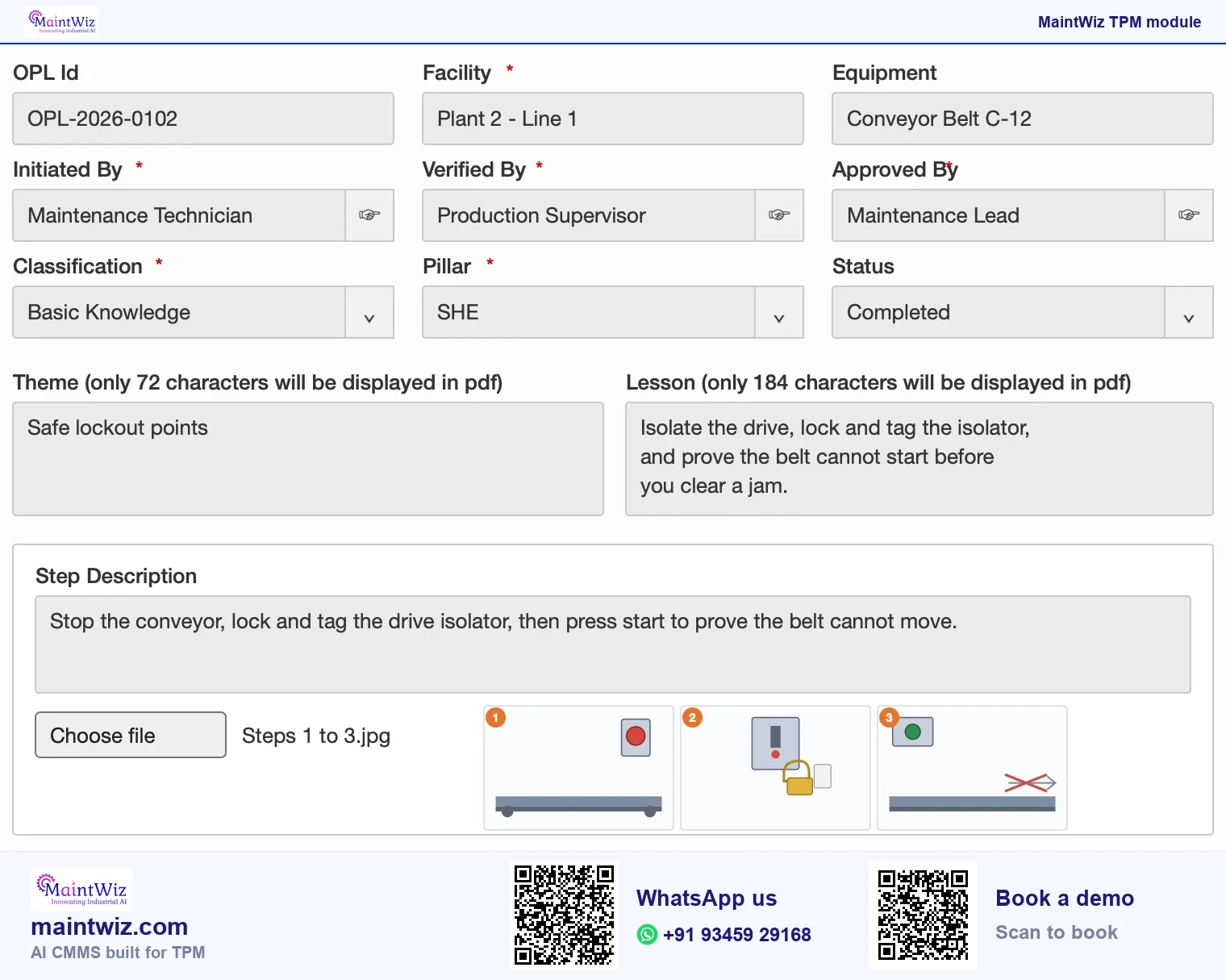
- Each OPL is a record with a theme, classification, pillar, equipment, steps with images and approvals.
- The OPL list shows the OPL ID, creation date, facility, equipment, theme, OPL type, creator, approver and status, with tabs for open, completed and cancelled lessons.
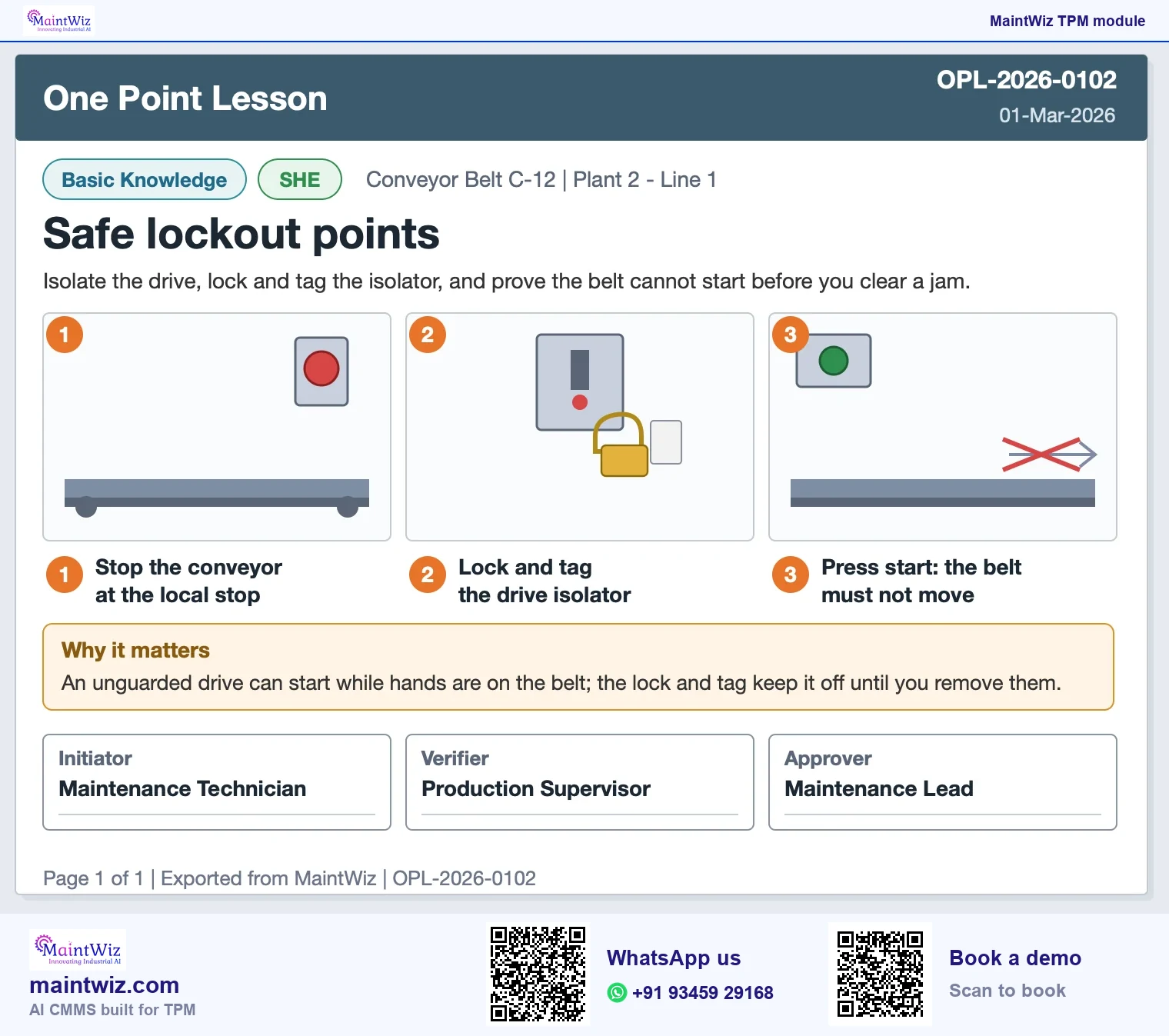
- A lesson can be exported as a PDF to display or print at the equipment.
- The initiator, verifier and approver sign each lesson before it reaches the equipment.
Why a system
Why keep one point lessons in a system?
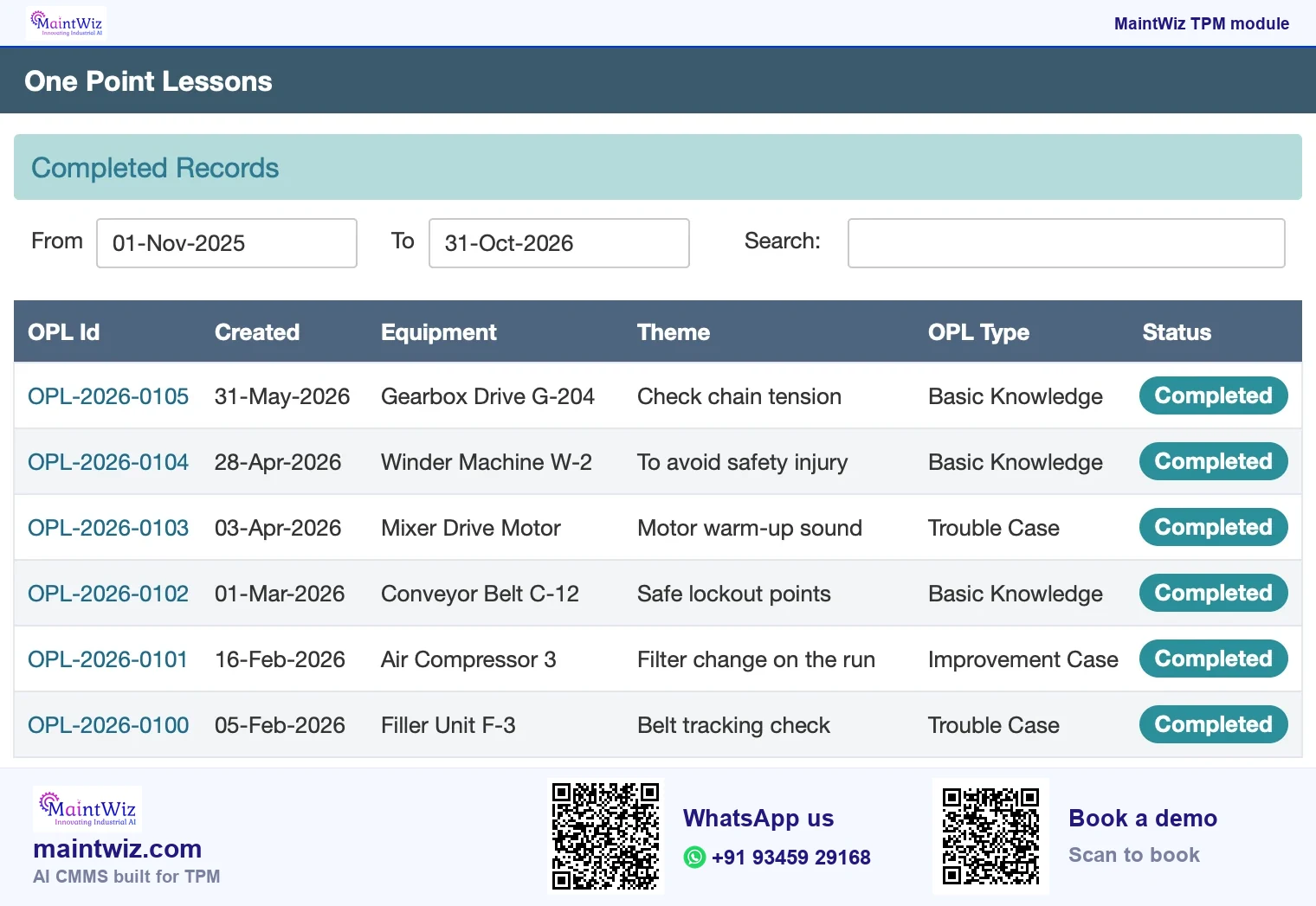
A one point lesson is a single-page lesson on one topic: how to check a chain, what a normal sound is, how to change a filter safely. It is short enough to read at the equipment and specific enough to be useful. On paper, OPLs get lost, copied with errors and never reviewed. In a system, each lesson is a controlled record with an owner, an approval and a status, so the plant knows which lessons exist and which are current (Figure 2).
Life of a one point lesson record
Initiator, verifier and approver sign off before use
Create with theme and steps
Classify by pillar
Verify the content
Approve
Export as PDF and use at the equipment
 maintwiz.comAI CMMS built for TPM
 WhatsApp us
 +91 93459 29168
 Book a demo
JIPM, the Japan Institute of Plant Maintenance, lists education and training among the pillars of TPM, and the OPL is the tool operators learn from at the equipment.
Downloads
Start on paper, run it in MaintWiz: one point lesson template and form
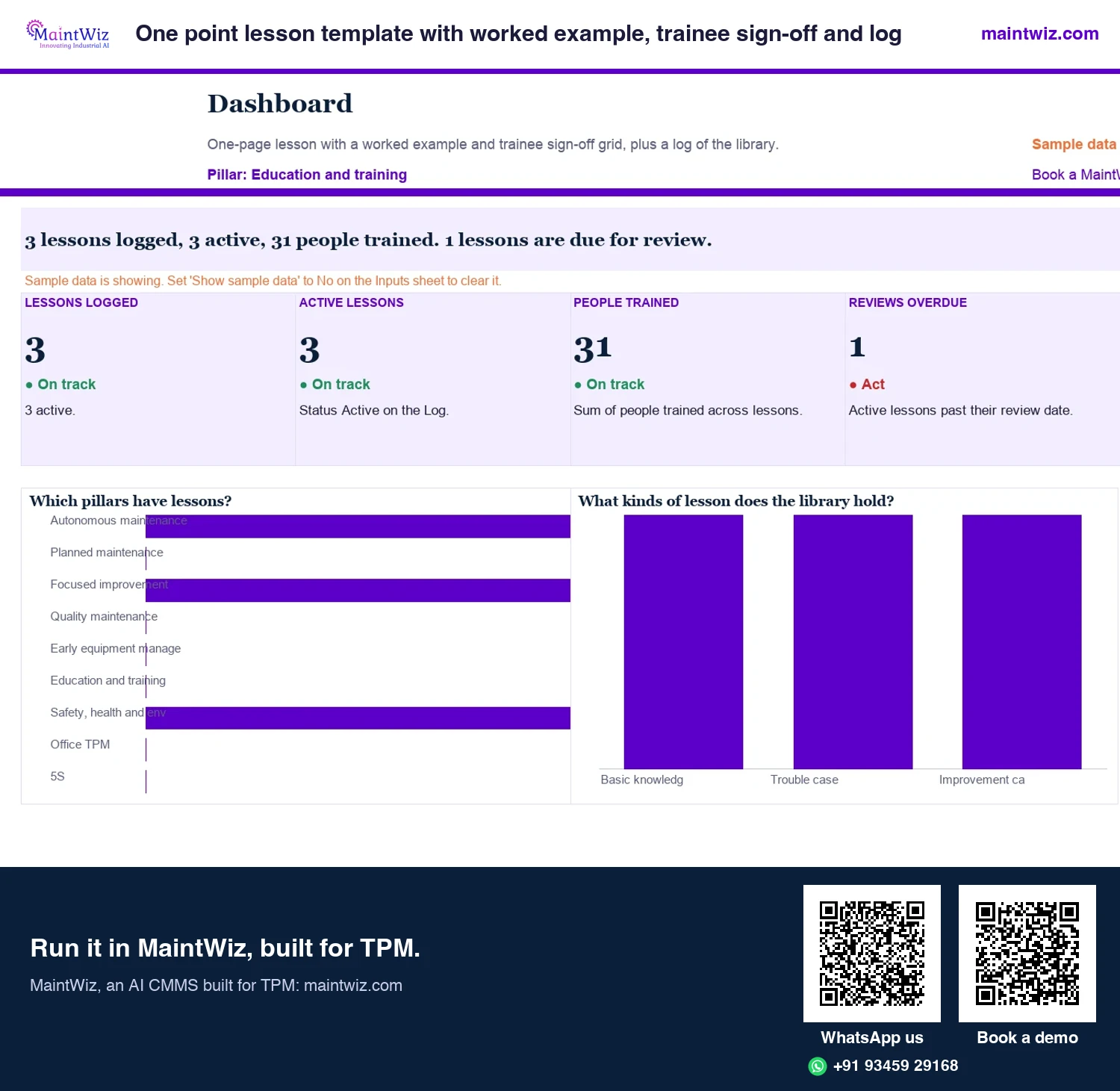
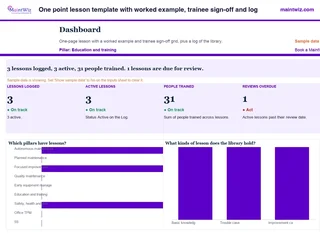 ExcelOne point lesson template with worked example, trainee sign-off and log
Fill a one-page lesson with a worked chain tension example
In MaintWiz: One point lessons are listed with approver and status, with analytics by facility, pillar and classification.
- Sheets
- Dashboard, OPL, OPL blank, Inputs, Log, Read me
- A4
- Version
- v1.0, 2 November 2026
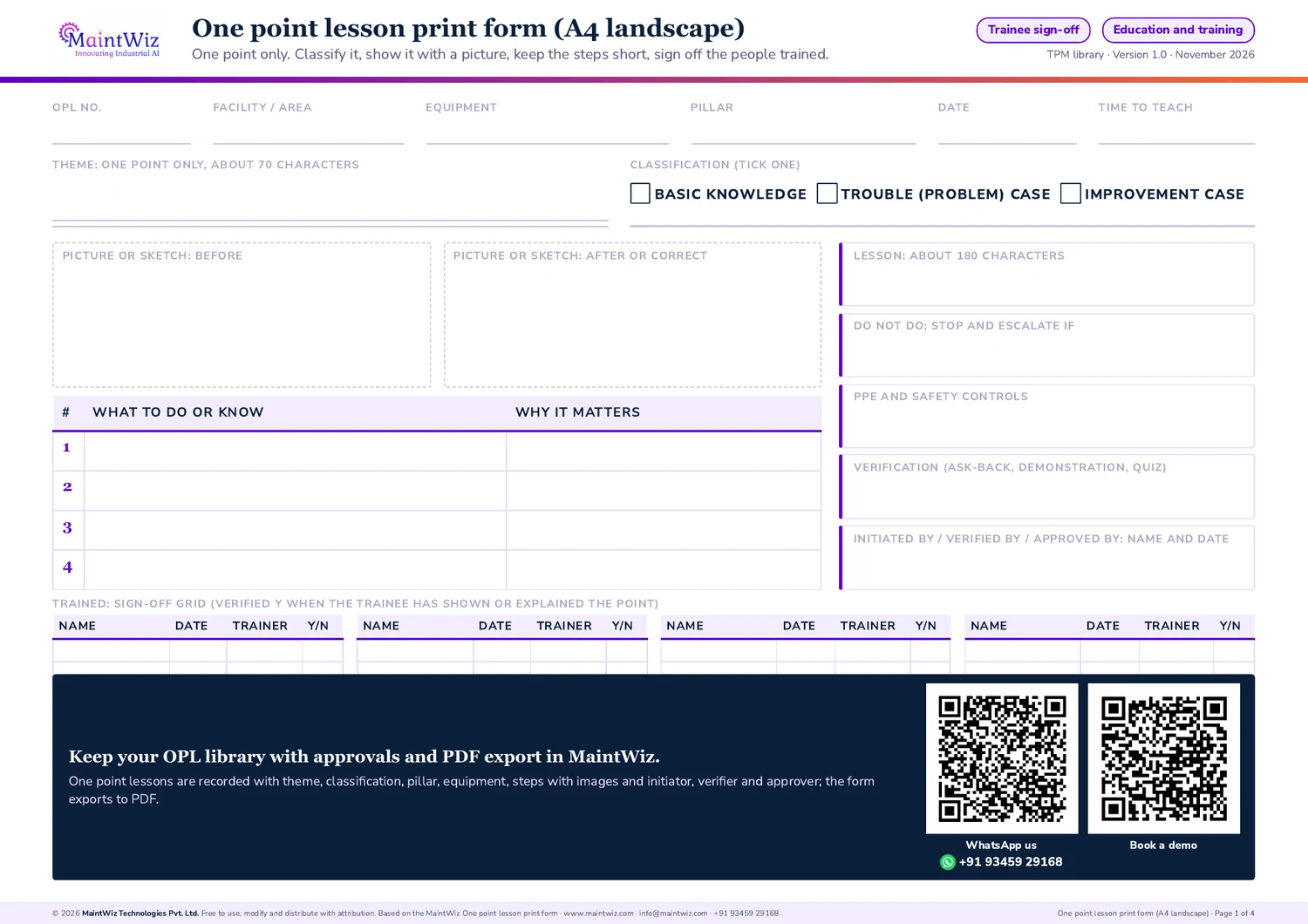
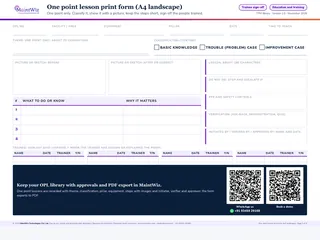 PDFOne point lesson print form
Print-ready A4 one point lesson with before and after pictures, a trainee sign-off grid and three filled examples
In MaintWiz: Each lesson exports to PDF from the one point lesson module.
- Pages
- 4
- A4 landscape
- Created
- 5 November 2026
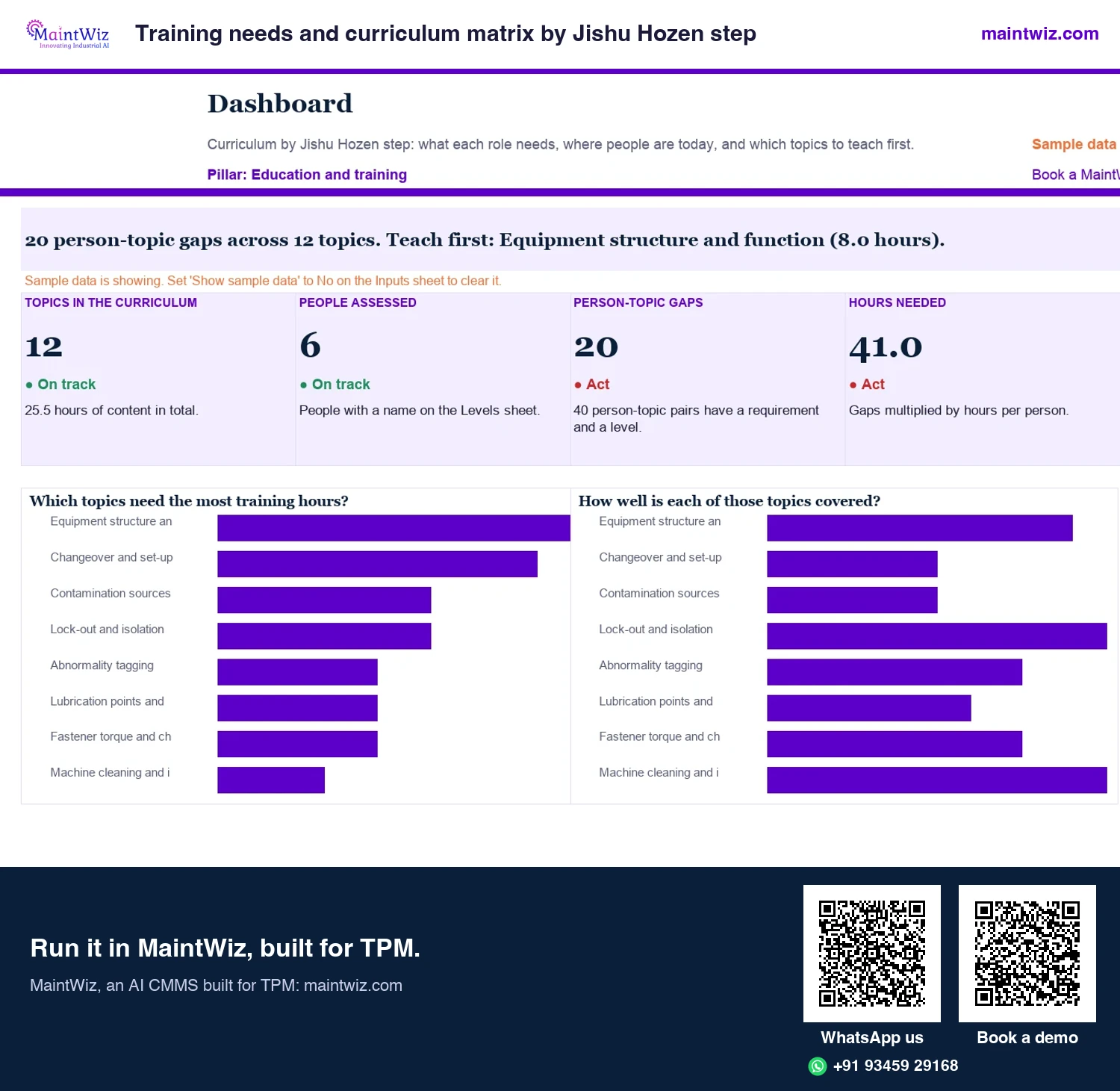
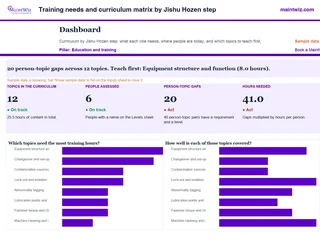 ExcelTraining needs and curriculum matrix by Jishu Hozen step
Set the level each role needs for every training topic by Jishu Hozen step, record where people are
In MaintWiz: Training plan, sessions, schedule and a dashboard of completed hours and attendance by role.
- Sheets
- Dashboard, Inputs, Curriculum, Needs, Levels, Gaps, Schedule, Feed matrix, Read me
- A4
- Version
- v1.0, 2 November 2026
How it works
How does the OPL module work?
- Create: the author opens a new OPL and chooses the classification and the TPM pillar it supports.
- Describe: enter the theme and the lesson, and add numbered steps with images.
- Review: the initiator, verifier and approver sign off the record.
- Publish and use: completed OPLs appear in the list, can be exported as PDF and displayed at the equipment or used in a training session.
- Maintain: cancel or revise a lesson when the equipment or standard changes.
What does the OPL list show?
The list shows each lesson with its OPL ID, creation date, facility, equipment, theme, OPL type, creator, approver and status. Separate tabs hold open, completed and cancelled lessons. The equipment and theme columns show which lesson belongs to which machine, and the approver column shows what is waiting for sign-off.
Book a demo and bring three of your OPLs; we load them and export one as a PDF.
Paper vs system
Paper templates versus a digital OPL library
| Paper or spreadsheet | In the system | |
|---|---|---|
| Creation | A template in a document, copied each time | A structured record with classification, pillar, steps and images |
| Approval | Signatures on paper, if remembered | Initiator, verifier and approver recorded |
| Finding a lesson | A folder or a wall board | A list by equipment, theme and type |
| Currency | Old copies stay on the wall | Status shows open, completed or cancelled |
| Use | Printed and pinned | Exported as PDF to print or show |
Where do OPLs fit in TPM?
OPLs support the education and training pillar and every other pillar that needs a short, repeatable lesson. They are most used in autonomous maintenance, where operators need specific skills at steps 4 and 5, and in quality and safety. The record carries the pillar and classification so lessons can be counted and found by purpose.
How do you set it up for your plant?
Classifications, OPL types, the pillar list and the approval roles are set up with each plant. Begin with the lessons for the tasks operators do most, then grow the library as incidents and tags show what operators need to know.
OPL vs Excel
Why run One Point Lessons in MaintWiz instead of Excel
Every One Point Lesson in MaintWiz carries its initiator, verifier and approver, has a status, is listed by equipment and theme, and exports as a PDF to print at the machine. Book a demo to see the lessons for your equipment. The free OPL template gives your team the lesson layout to start from.
Who uses it
Who uses the OPL module?
| Role | What they do in the module |
|---|---|
| Author or initiator | Creates the lesson with steps and images |
| Verifier | Checks content and safety of the steps |
| Approver | Approves the lesson for use |
| Supervisor and trainer | Use lessons in the area and in sessions |
| Operators and technicians | Read the lesson at the equipment |
What makes a good lesson record?
- One topic, one page: split a lesson that covers two topics.
- Numbered steps, each with an image taken at the equipment.
- The risk or the reason, in one sentence, so people know why.
- The pillar and classification filled in, so the library can be counted by pillar and classification.
- A named approver, and a quarterly review of the list so lessons for retired equipment are cancelled.
How do you build a library without drowning in it?
Start with the twenty tasks operators do most and the five failures that recur most. Write lessons when a tag or incident shows a knowledge gap, rather than all at once. Review the list quarterly: cancel lessons for retired equipment and revise those that no longer match the standard. Count lessons by pillar to see where the library is thin. Trainers use approved lessons in their sessions, and training and competency management records the sessions, attendance and hours.
Mistakes
Common mistakes with digital OPLs
- Copying long procedures into the OPL format: a lesson is one point.
- Skipping images: a lesson without a picture is a paragraph.
- No approver, so wrong steps spread.
- No quarterly review, so outdated lessons stay in use.
- Writing lessons nobody asked for: start from tags, incidents and audits.
The record exists to keep lessons current and findable. Review the list quarterly, cancel what is obsolete and ask operators which lessons they actually use.
What do OPL reports show?
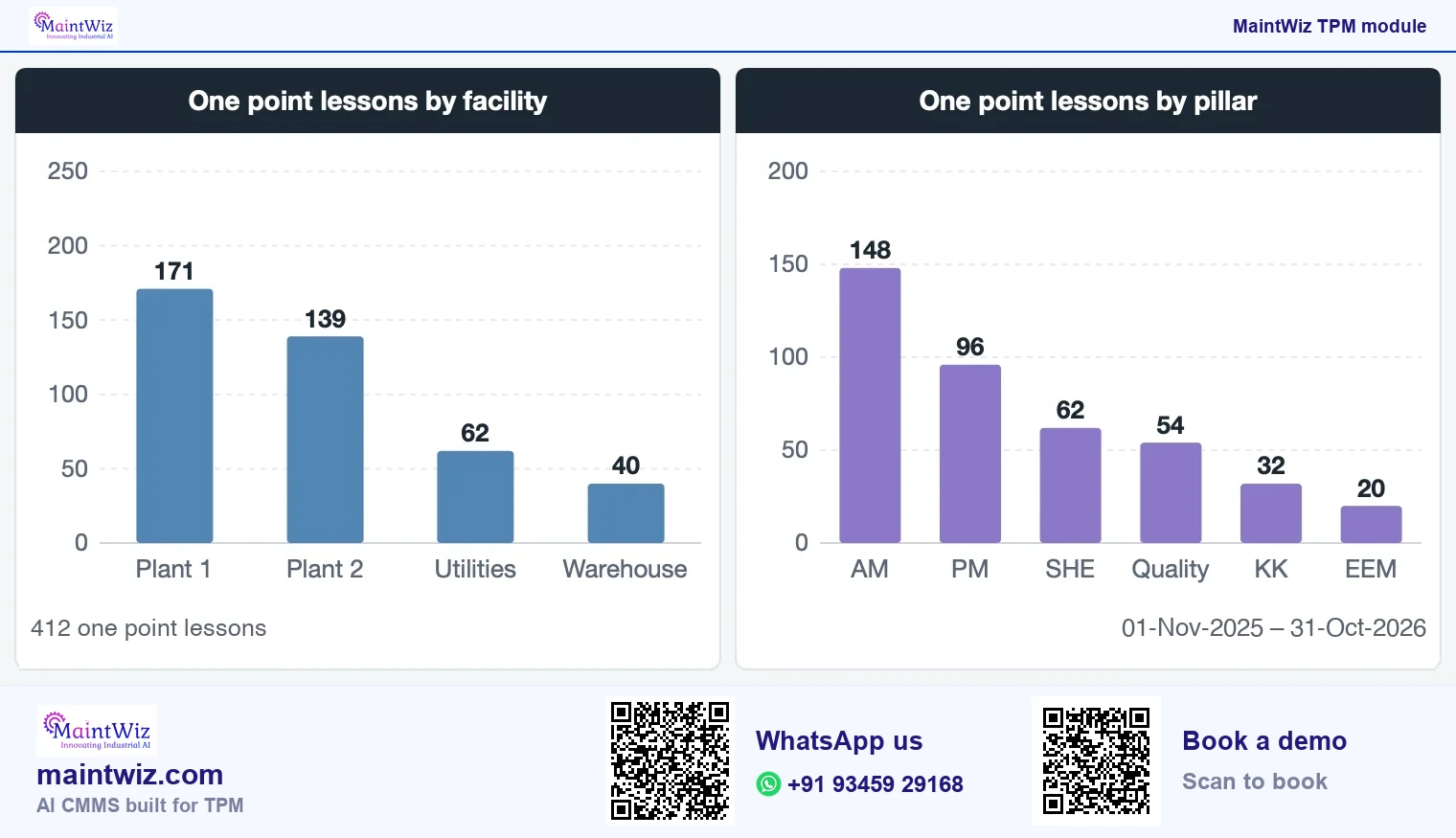
OPL reports count lessons by pillar, classification and status, and list lessons awaiting approval. Lessons are listed by equipment and theme, exported as PDF and XLS, and counted by pillar on the common functions dashboard.
Can lessons be exported?
A lesson can be exported as a PDF to display at the equipment, and data can be exported to XLS and PDF.
Can I deploy on-premises?
MaintWiz runs as software as a service (SaaS), or on-premises on your own servers on request.
How much does it cost?
Pricing is quoted on request and tailored to the modules and users you need. Book a demo and ask for a quote for your plants and users.
FAQ
Frequently asked questions
What is one point lesson software?
Software to create, approve, list and export one point lessons as controlled records, each with a theme, classification, pillar, equipment and numbered steps with images, so a plant knows which lessons exist.
What does the OPL record contain?
A classification, the TPM pillar it supports, the theme, the lesson text, numbered steps with images, and the initiator, verifier and approver who signed it off, with a status that shows where it stands.
Can OPLs be printed?
Yes. A lesson can be exported as a PDF, so it can be printed and displayed at the equipment or used on a screen in a training session, while the controlled copy stays in the system.
Can we see lessons by equipment?
Yes. The OPL list shows the equipment, theme and OPL type for every lesson, with tabs for open, completed and cancelled records, and the dashboard counts lessons by facility and pillar.
What does MaintWiz add to an OPL Excel template?
MaintWiz keeps every lesson as a record with its initiator, verifier and approver, a status, a list by equipment and theme, and a PDF for the equipment. The free OPL template is the starting layout; a demo shows the lessons for your equipment.
Who writes one point lessons?
Operators, maintenance technicians and engineers. Many are written after a tag or an incident, because that is when the plant learns what people needed to know, and the author is usually the person who found out.
What does OPL software do?
OPL software keeps each one point lesson as a controlled record with theme, classification, pillar, equipment, steps with images and approvals, lists open, completed and cancelled lessons, and exports a lesson as a PDF for the equipment.
Which TPM pillar does one point lesson software support?
It supports the education and training pillar, Kyoiku Kunren, and the lesson record carries the pillar it relates to, so OPLs for autonomous maintenance, quality or safety can be counted and found by pillar.