
Key takeaways
- MaintWiz integrates with SAP through the PM and MM modules using web services, and the integration is in use in live enterprise implementations.
- Decide which system is the master for each record before building anything: equipment, work orders, spares, tags, losses.
- Test the exchange on your data: direction, frequency, failure handling and who maintains it.
- MaintWiz also connects IoT, MES, SCADA, PLC and DCS sources and supports enterprise single sign-on.
What SAP holds
What does TPM software need from SAP?
MaintWiz exchanges equipment, notifications, work orders and materials with SAP PM and MM through web services, so tags and losses connect to the work and spares managed in SAP. These are the decisions to settle first (Figure 1).
Which records live in SAP and which in the TPM system?
| Record | Usually held in | Decision to make | What MaintWiz does |
|---|---|---|---|
| Equipment and functional structure | SAP PM | Does the TPM system take the equipment list from SAP, or hold its own with a mapping? | Integrates with SAP PM through web services; a pilot can start on the MaintWiz equipment list. |
| Maintenance orders | SAP PM | When a tag needs maintenance work, where is the order created, and by whom? | A tag is converted to a work order after manual review. Bring one SAP work order to the demo. |
| Spare parts and materials | SAP MM | Does the TPM system need to see stock, or only reference part numbers? | Integrates with SAP MM through web services, so spare part requests reach SAP MM from the work order. |
| Operator tags and checks | TPM software | Are these kept only in the TPM system, with a reference to SAP orders? | Held in MaintWiz: raised on a mobile device and routed to an owner with a target date. |
| Losses, OEE and audits | TPM software | Is any summary sent to SAP, or are they reported separately? | Held in MaintWiz with equipment, line and plant OEE views; data exports to XLS and PDF. |
| Training and safety records | TPM software | Do any need to be visible in SAP? | Training records are held in MaintWiz with certification and expiry handling. |
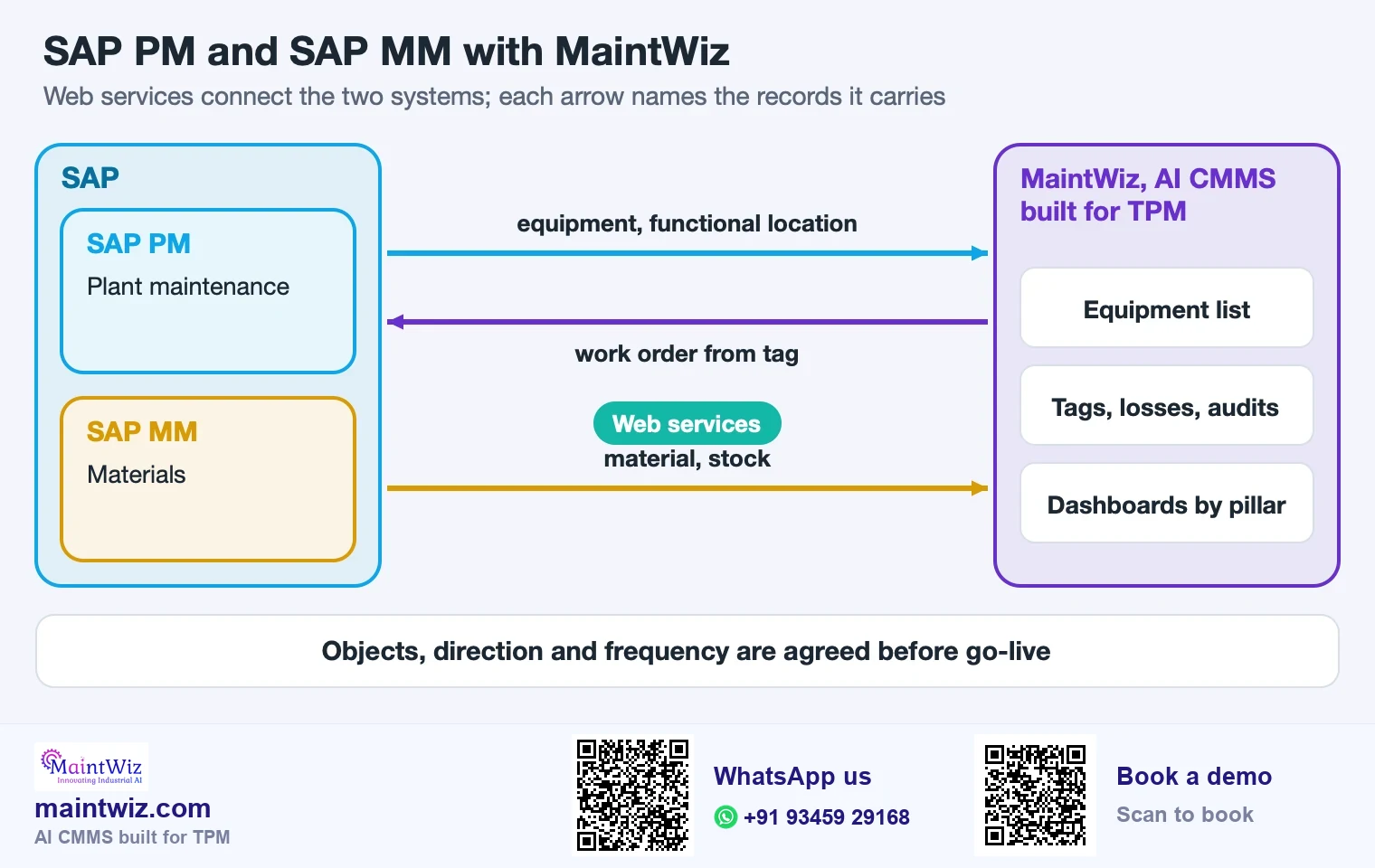
SAP PM and SAP MM objects and the direction each flows
Where each record starts, the direction it flows and the link, for a MaintWiz connection
| Object | Starts in | Direction | Link | Frequency |
|---|---|---|---|---|
| Equipment | SAP PM | SAP PM to MaintWiz | Web service | Agreed per object |
| Functional location | SAP PM | SAP PM to MaintWiz | Web service | Agreed per object |
| Notification | MaintWiz | MaintWiz to SAP PM | Web service | Agreed per object |
| Work order | MaintWiz | MaintWiz to SAP PM | Web service | Agreed per object |
| Material | SAP MM | SAP MM to MaintWiz | Web service | Agreed per object |
| Stock | SAP MM | SAP MM to MaintWiz | Web service | Agreed per object |
Frequency is agreed for each object before go-live
 maintwiz.comAI CMMS built for TPM
 WhatsApp us
 +91 93459 29168
 Book a demo
Downloads
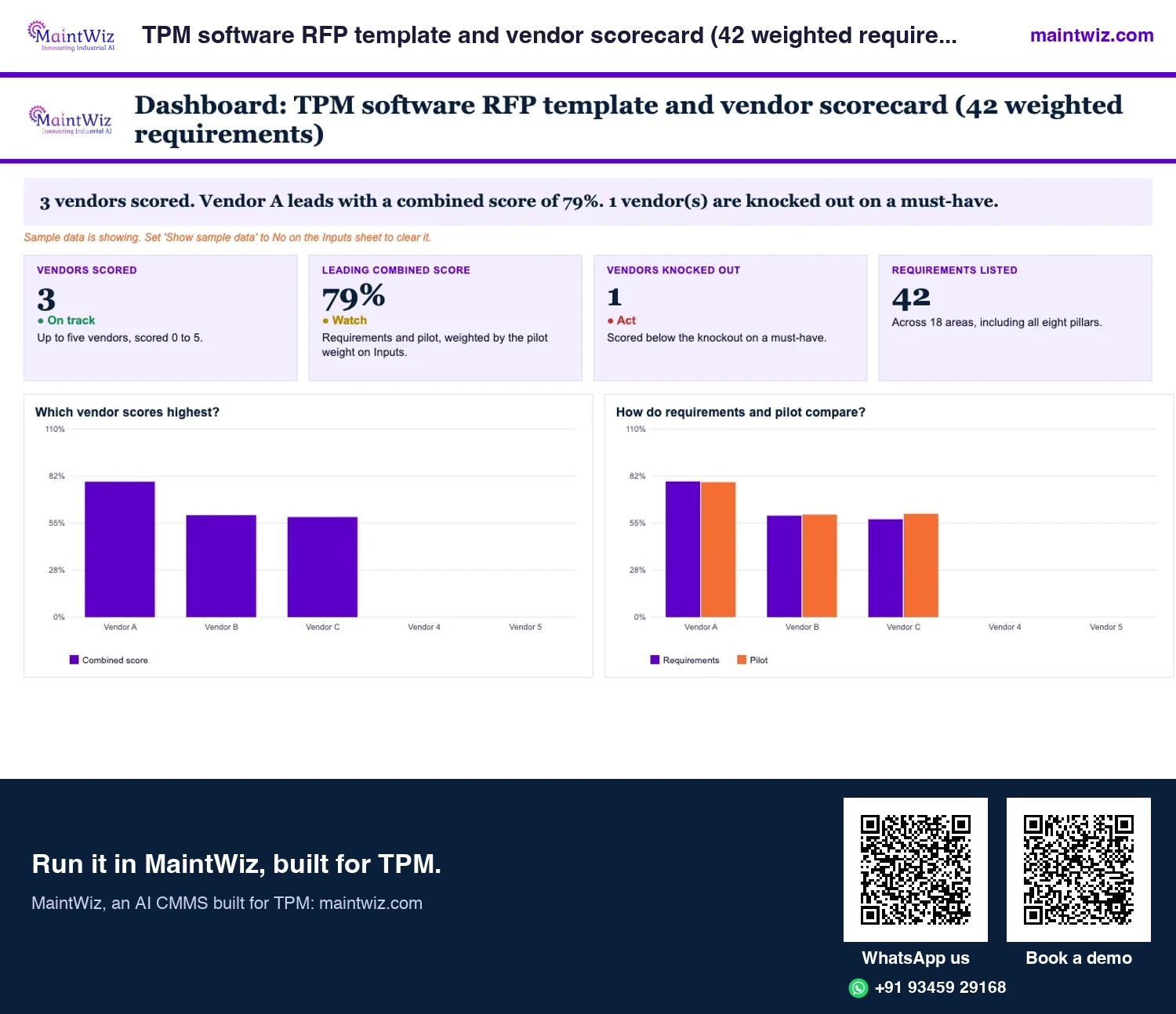
SAP PM and MM TPM software: requirements scorecard and digital TPM guide
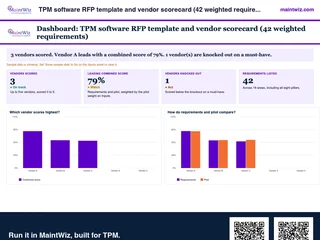 ExcelTPM software RFP template and vendor scorecard (42 weighted requirements)
Weight 42 requirements, score up to five vendors, run a proof of concept on your own equipment list and read a ranked
- Sheets
- Dashboard, Inputs, Scorecard, Pilot scoring, Questions, Proof of concept, Read me
- A4
- Version
- v1.1, 4 November 2026
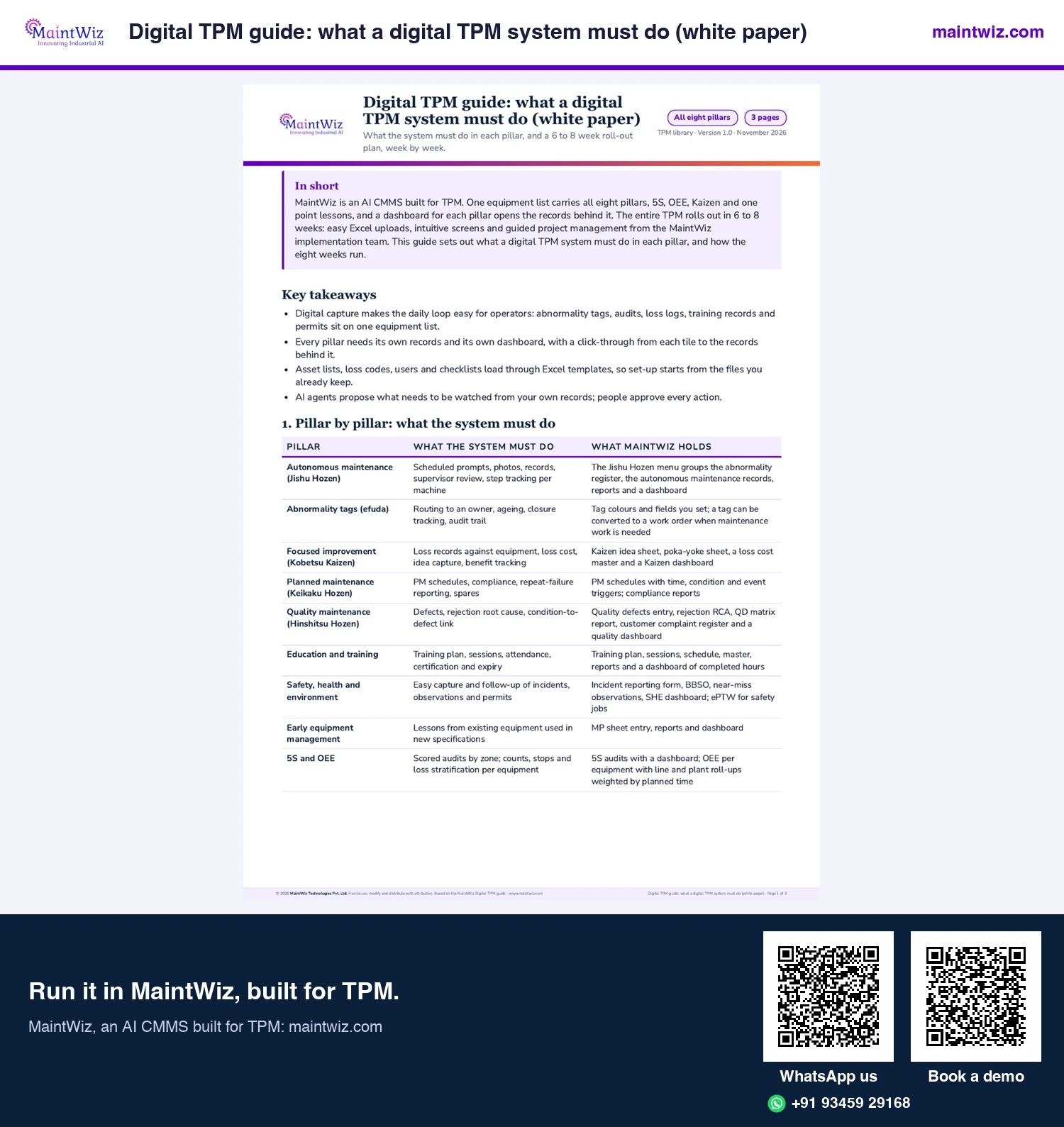
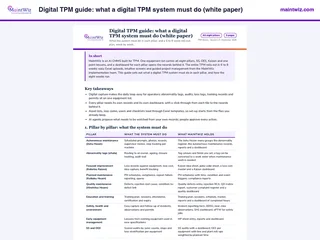 PDFDigital TPM guide: what a digital TPM system must do (white paper)
What a CMMS must hold for each TPM pillar, and how MaintWiz rolls it out in 6 to 8 weeks
- Pages
- 3
- A4
- Created
- 5 November 2026
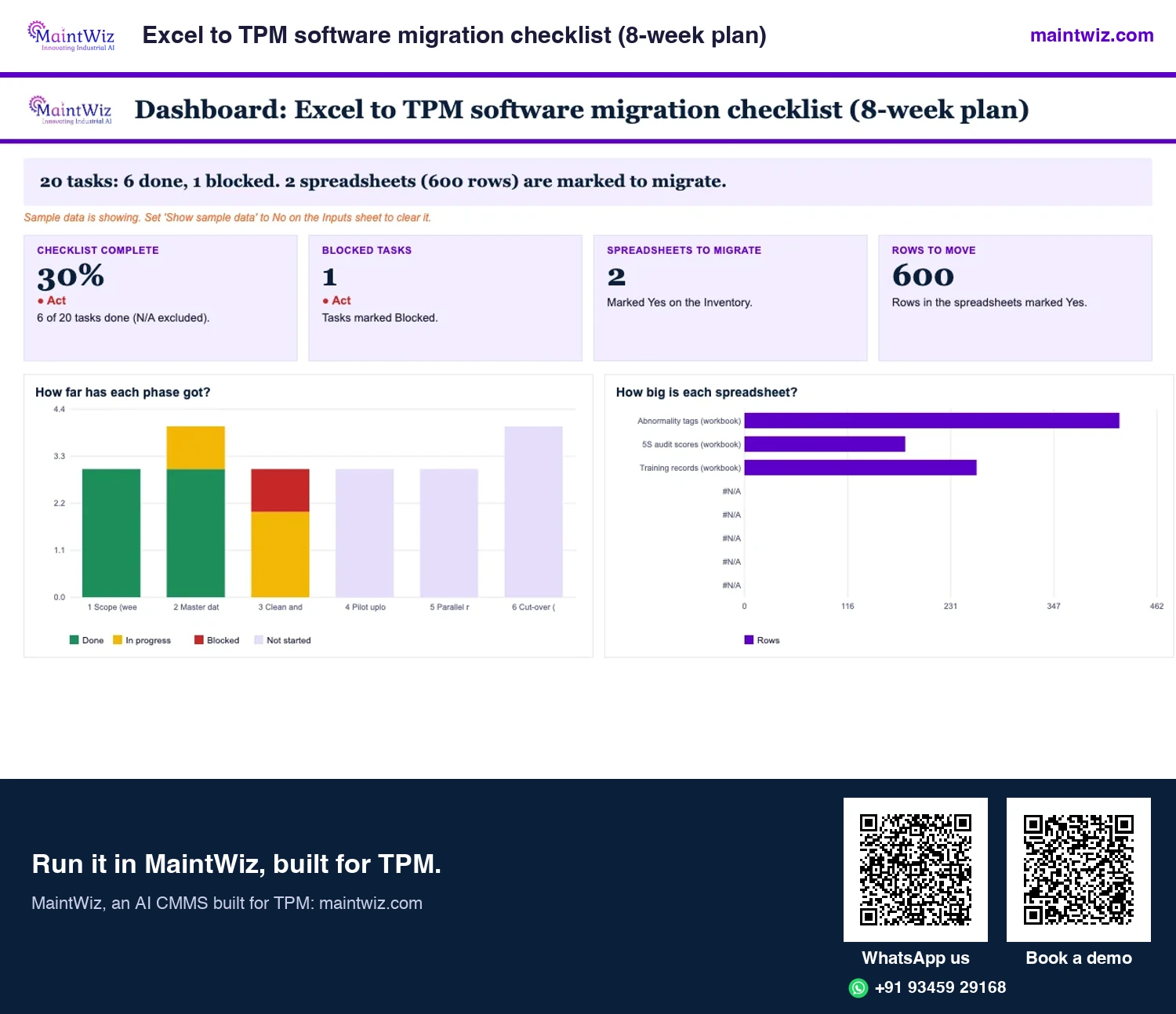
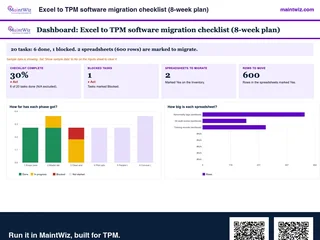 ExcelExcel to TPM software migration checklist (8-week plan)
Plan the move from Excel to TPM software in eight weeks, from scope and master data to the parallel run and cut-over
- Sheets
- Dashboard, Inputs, Inventory, Mapping, Checklist, Read me
- A4
- Version
- v1.1, 4 November 2026
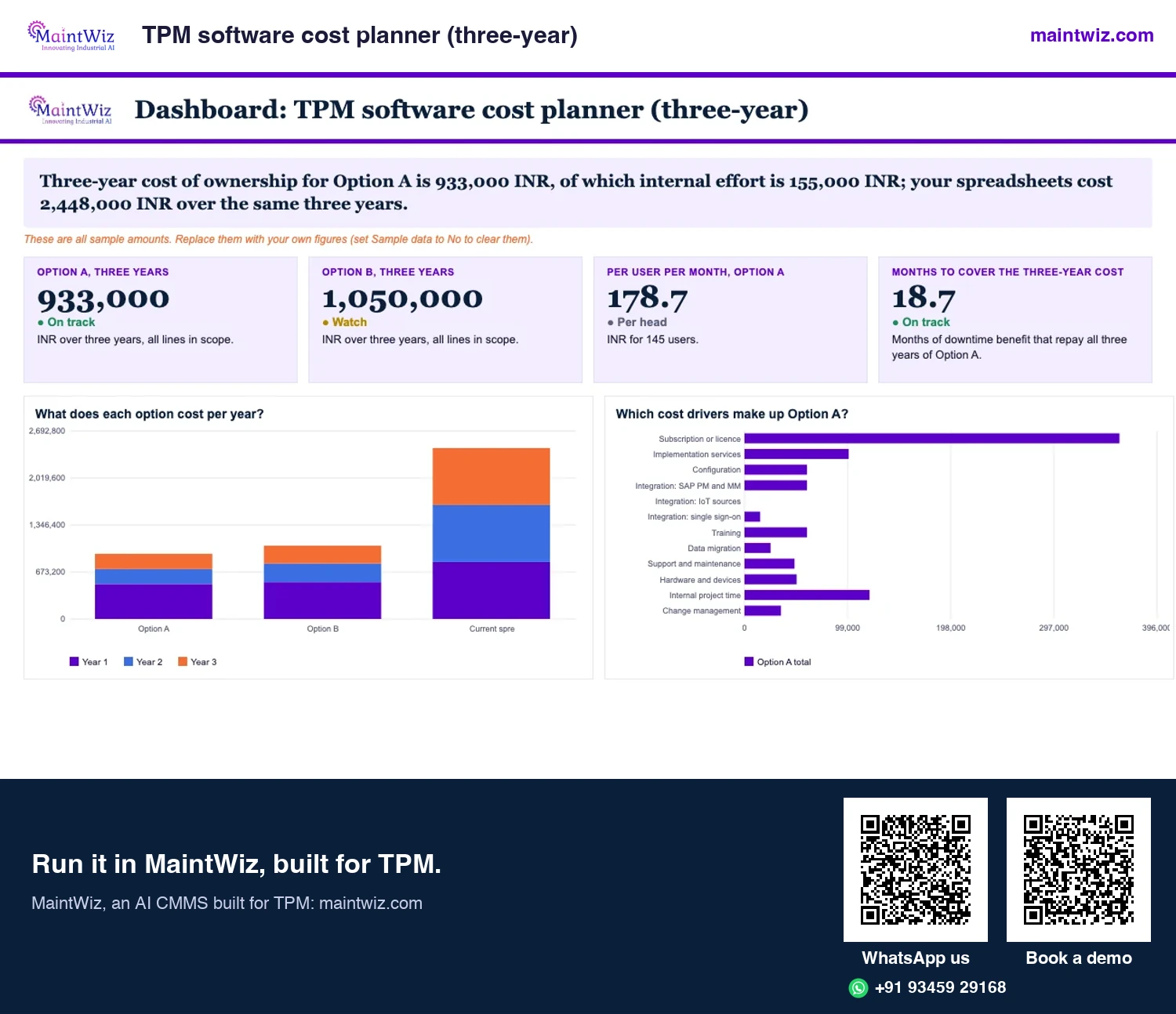
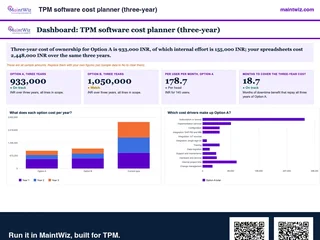 ExcelTPM software cost planner (three-year)
Compare the three-year cost of TPM software on your users, plants and services
- Sheets
- Dashboard, Inputs, Costs, Results, Read me
- A4
- Version
- v1.2, 4 November 2026
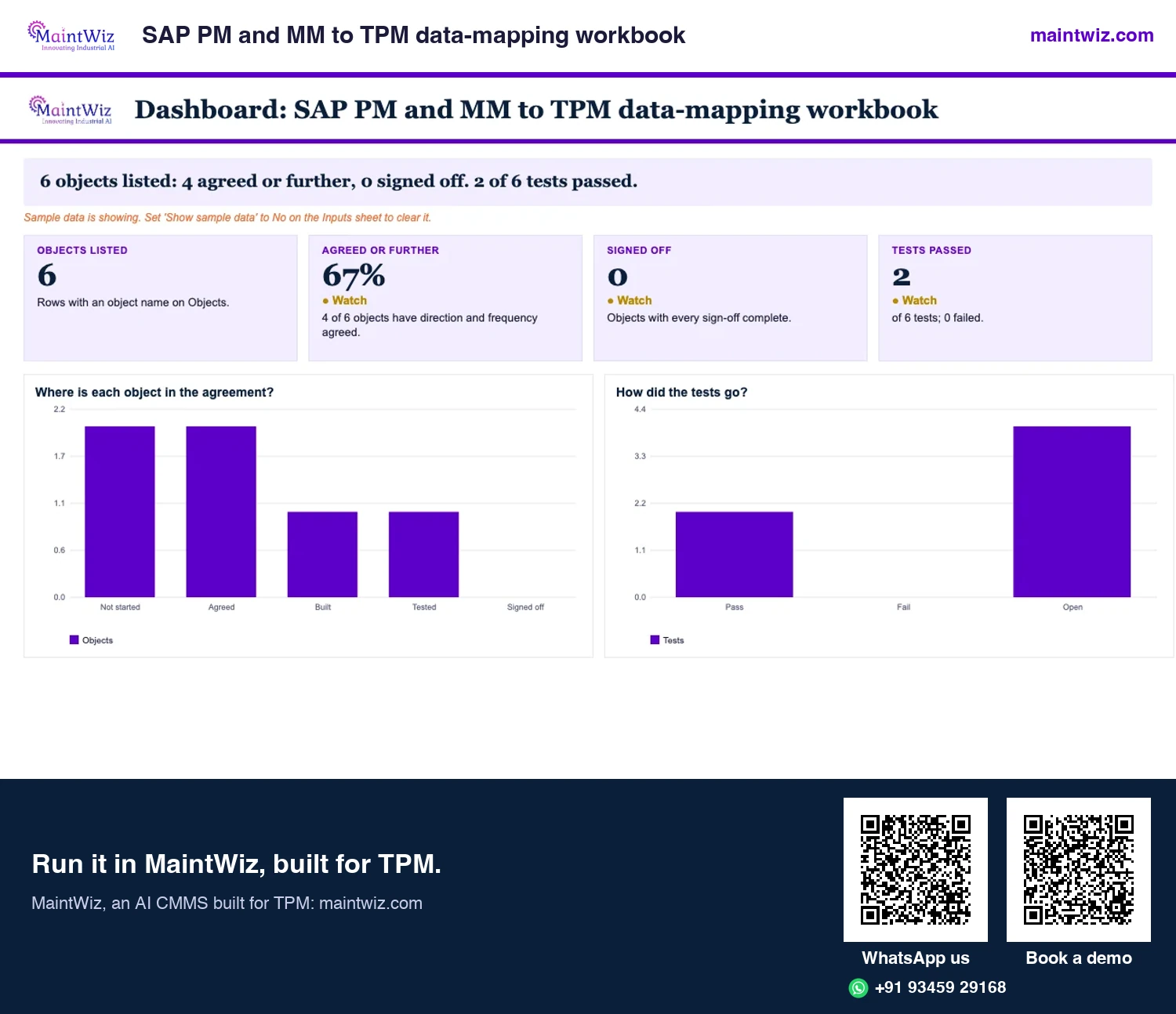
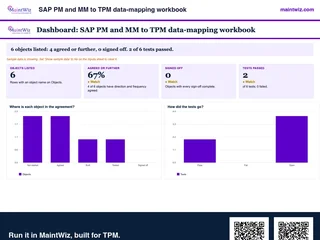 ExcelSAP PM and MM to TPM data-mapping workbook
Agree which SAP PM and MM objects pass to your TPM system, in which direction and how often, test them and collect sign-off before go-live.
Inside: Objects: what is exchanged, where held, direction, frequency, key field and what happens if an exchange fails · Owner in SAP and owner in MaintWiz for each object · Tests with what to bring and the pass condition · Sign-off for SAP PM lead, SAP MM lead, TPM lead, IT security and Plant Head
- Sheets
- Dashboard, Inputs, Objects, Tests, Sign-off, Read me
- A4
- Version
- v1.0, 4 November 2026
MaintWiz connects
How does MaintWiz connect to SAP and plant systems?
MaintWiz integrates with SAP through the PM and MM modules using web services, can connect IoT, MES, SCADA, PLC and DCS sources, and supports enterprise single sign-on. Each is in use in live enterprise implementations.
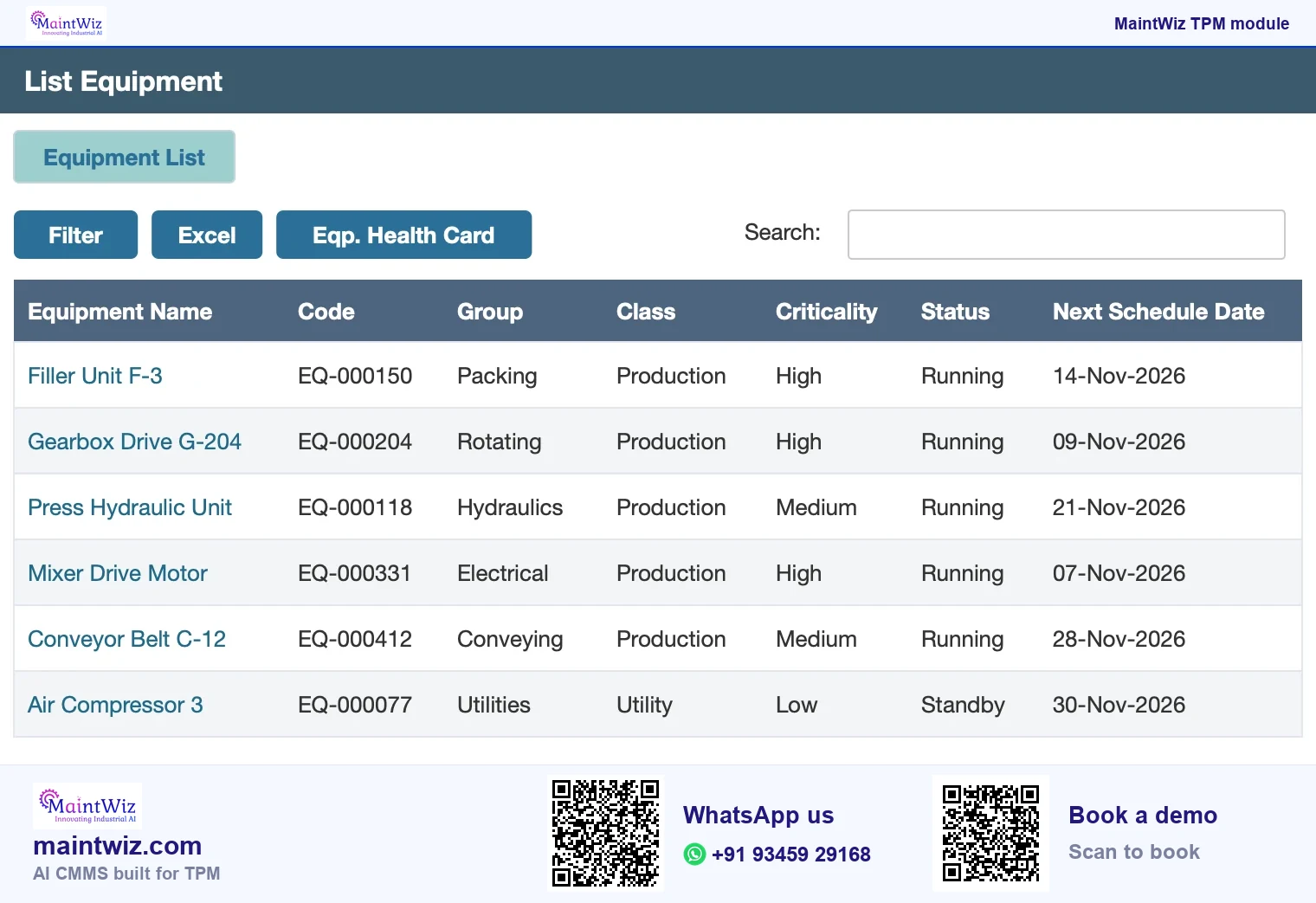
A tag can be converted to a work order after manual review. Bring your SAP equipment list and one work order to the demo and see the tag-to-order step on your own records.
MaintWiz gives each record one owning system and exchanges only what the other system needs (Figure 4): SAP keeps the maintenance orders and materials, and MaintWiz keeps the pillar records of TPM as the Japan Institute of Plant Maintenance (JIPM) describes it.
Test a SAP PM and SAP MM connection on your own records
Four things to bring to a demo
- 1
Equipment list
Your SAP equipment list, loaded into MaintWiz from Excel or by web service
- 2
One work order
Raise or change one work order and follow it between the two systems
- 3
One spare part
Look up one material from SAP MM against the work order that uses it
- 4
One tag to an order
Raise a red tag in MaintWiz, convert it and see the work order in SAP PM
maintwiz.comAI CMMS built for TPMWhatsApp us+91 93459 29168Book a demoMaintWiz connects to SAP PM and MM through web services, at the boundary between enterprise and plant-floor systems that the ISA-95 standard series describes.
Testing
How do you test a SAP integration before you commit?
- Ask for the list of what is exchanged, in each direction, and how often.
- Ask what happens when an exchange fails: is it logged, retried and visible to a user?
- Run one scenario end to end on your data: an equipment record, a tag, and the resulting order.
- Check that a record changed in one system does not create duplicates in the other.
Three tests that show whether an integration holds
| Test | Pass looks like | Fail looks like |
|---|---|---|
| Equipment record | One record per item in both systems, matched by an agreed key | Duplicates or unmatched items after the first load |
| Order from a tag | The order appears where agreed, with the tag reference | Manual re-keying or a lost reference |
| Failed exchange | Logged, retried and visible to a named user | Silent loss |
Other connections
Which other connections should you ask about?
OEE needs production counts and stop events; they may come from operators, from machine signals or from plant systems. MaintWiz can connect IoT, MES, SCADA, PLC and DCS sources. Ask which of your sources are in scope, how often data arrives, and who owns the mapping from machine codes to loss reasons. The downtime reason codes library helps standardise that mapping.
MaintWiz supports enterprise single sign-on, so users sign in through your identity system.
In a purchase
Where does this fit in a TPM software purchase?
Integration belongs in the requirements, not after the choice. Name the SAP connection in your scope and your MaintWiz quote is built from it (TPM software pricing). No SAP yet? Start the pilot on the MaintWiz equipment list and connect later. When you do connect, MaintWiz uses web services on the PM and MM modules, so the plant's tags, losses and audits sit beside the work your SAP team already runs; operators raise and review what they find in one place, with one connection to the system maintenance and materials teams already use.
In a SAP-focused demo, bring your equipment list and one work order. You see a tag raised on a mobile device, the tag converted to a work order after manual review, overdue alerts and the TPM dashboards by pillar. The connection runs through web services on the SAP PM and MM modules and is in use in live enterprise implementations. The entire TPM can be rolled out in 6 to 8 weeks with guided project management from the MaintWiz implementation team, so your SAP team and your plant team see results quickly, and data exports to XLS and PDF.
Test the SAP connection on your equipment list: bring one SAP work order and see a tag become a work order on your own records.
FAQ
Frequently asked questions
Does MaintWiz integrate with SAP PM?
Yes. MaintWiz integrates with SAP through the PM and MM modules using web services, and the integration is in use in live enterprise implementations. Bring your SAP scenario to a demo.
Which SAP modules does MaintWiz connect to?
The PM (plant maintenance) and MM (materials management) modules, using web services. Bring your SAP equipment list and one work order to a demo and see the connection on your own records.
Can MaintWiz connect to MES, SCADA or PLC data?
Yes. MaintWiz can connect IoT, MES, SCADA, PLC and DCS sources, so machine and plant-system data can reach your MaintWiz records. Live enterprise implementations exist for each of these connections.
Does MaintWiz support single sign-on?
Yes. MaintWiz supports enterprise single sign-on, so your users can sign in through your organisation's identity system. Bring your IT team's questions to the demo.
What should I ask before integrating TPM software with SAP?
What is exchanged in each direction, how often, who builds and maintains it, what happens on failure, and which system is the master for each record. Test one scenario on your data.
Do I need SAP integration to start with TPM software?
No. A pilot area can run on the MaintWiz equipment list, and the SAP PM and MM connection follows through web services. The entire TPM rolls out in 6 to 8 weeks. Decide early which system will be master for equipment and work orders.
Is MaintWiz available in languages other than English for our SAP team?
Menus and labels are in English, and MaintWiz supports Unicode, so tags, observations, one point lessons and notes can be written in Hindi, Tamil, German or any other script.
Does MaintWiz work with S/4HANA and ECC?
MaintWiz connects to SAP PM and MM through web services. Bring your SAP version and one work order to the demo and see a tag become a work order on your own records.
Sources
Sources
- JIPM, About TPM https://www.jipmglobal.com/about/tpm/
- ISA, ISA-95 standard series for enterprise-control system integration https://www.isa.org/standards-and-publications/isa-standards/isa-95-standard